
Drop Sphere Through Plane: Dynamic Cross-Section Exploration
Loading the math board and drawing, please wait…
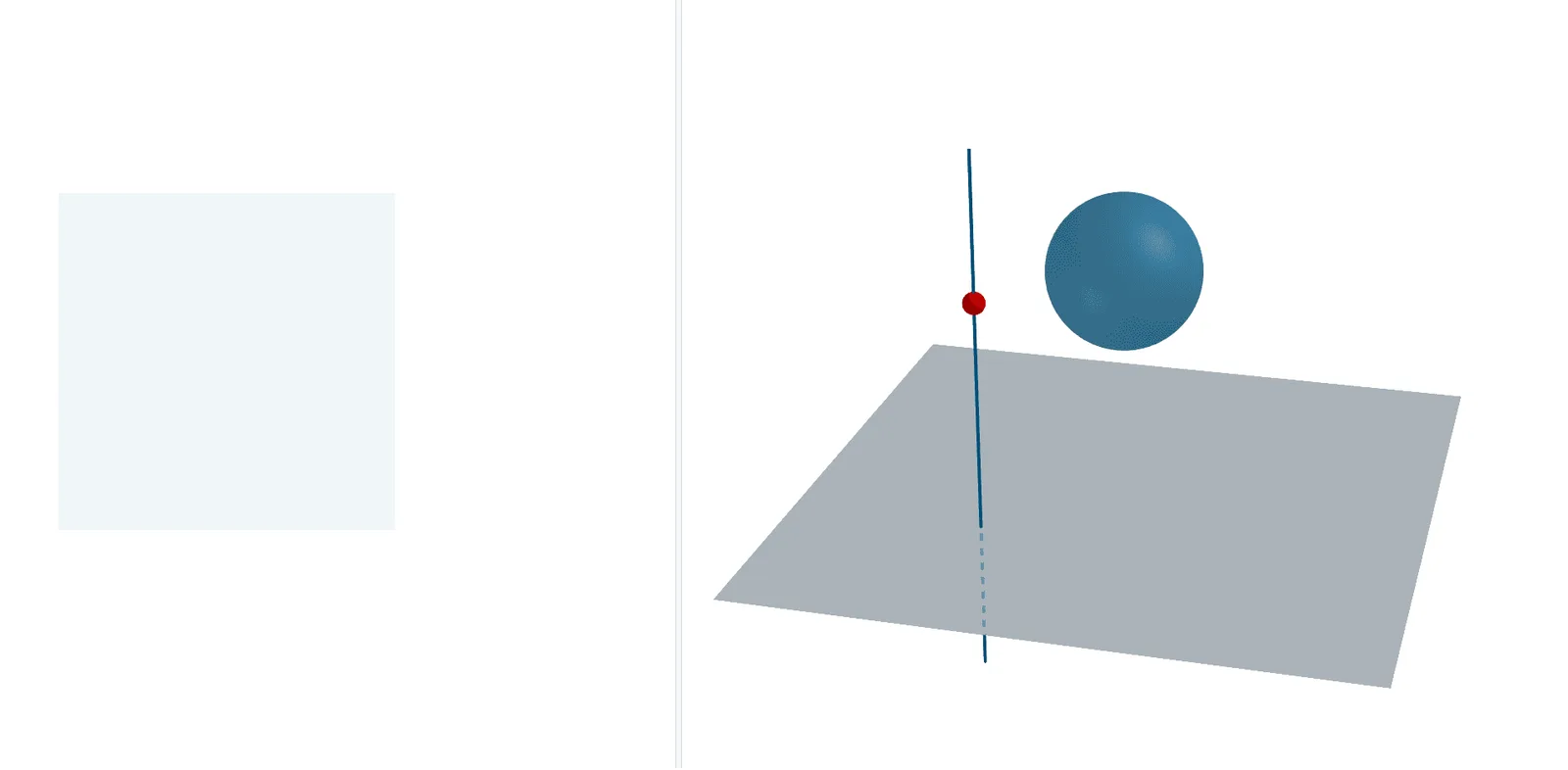
① This GeoGebra example dynamically demonstrates a sphere passing through multiple planes, showing how the intersection between the sphere and each plane changes as the sphere moves, providing an intuitive visualization of spatial geometry. ② Core mathematical concepts include the sphere equation, plane equations, circular cross-sections (or tangent points), quadratic functions, triangles as auxiliary constructions, and transformations such as translation and dilation. ③ Construction highlights: using commands like Line, Point, Polygon, Translate, Sphere, and IntersectPath, the model employs sliders (SlideLine, Slide) to control the sphere's motion, constructs multiple planes (Plane1 to Plane4) and plane segments (planeseg1 to planeseg4), and uses numerous auxiliary points (A1-A8, B1-B8, C1-C8, D1-D6) and triangles to support the computation of intersection paths, finally generating dynamic cross-sections via IntersectPath. ④ Suitable for high school solid geometry, university analytic geometry, and mathematical experimentation or inquiry-based learning, helping students understand the geometric conditions of sphere-plane intersections, how cross-section shapes vary with distance, and enhancing spatial reasoning skills.
GeoGebra Commands & Parameters
Line((-1.5, -1.5, 0), (-1.5, -1.5, 1)) → SlideLinePoint(SlideLine) → SlidePolygon(Plane1, Plane2, Plane3, Plane4) → Plane, planeseg4, planeseg3, planeseg2, planeseg1Translate(D1, Vector[(0, 0, z(Slide))]) → E1Translate(D3, Vector[(0, 0, z(Slide))]) → E3Translate(D4, Vector[(0, 0, z(Slide))]) → E4Translate(D6, Vector[(0, 0, z(Slide))]) → E6Translate(D7, Vector[(0, 0, z(Slide))]) → E7Translate(D8, Vector[(0, 0, z(Slide))]) → E8Sphere(D, 1) → eIntersectPath(Plane3D, e) → poly1