
Drawing Circles
Loading the math board and drawing, please wait…
In collections
Tracing Geometric Figures
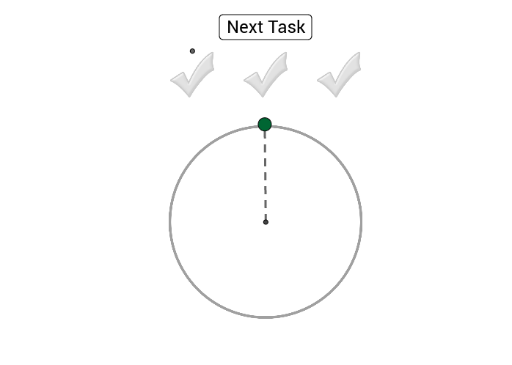
This example demonstrates how to use the green point to trace the displayed circle. It involves core math concepts like circle, coordinate geometry, and geometric construction. Key GeoGebra commands/objects used include Intersect, Point, Circle, Segment, Angle, Length, and Sum. Suitable for high school students learning coordinate geometry and geometric construction.
GeoGebra Commands & Parameters
Intersect(xAxis, yAxis) → APoint(yAxis) → BCircle(A, B) → cCircle(A, B) → dPoint(d) → CSegment(A, C) → fSegment(A, B) → gAngle(B, A, C) → αLength(sectors) → nSum(sectors) → sumCircle(A, H) → ePoint(e) → IAngle(H, A, I) → βSegment(I, A) → hCircle(A, J) → kPoint(k) → KAngle(J, A, K) → γPoint(h) → LSegment(L, K) → iSum(sectors2) → sum2Sum(sectors3) → sum3