
Draw Angles with Protractor
Loading the math board and drawing, please wait…
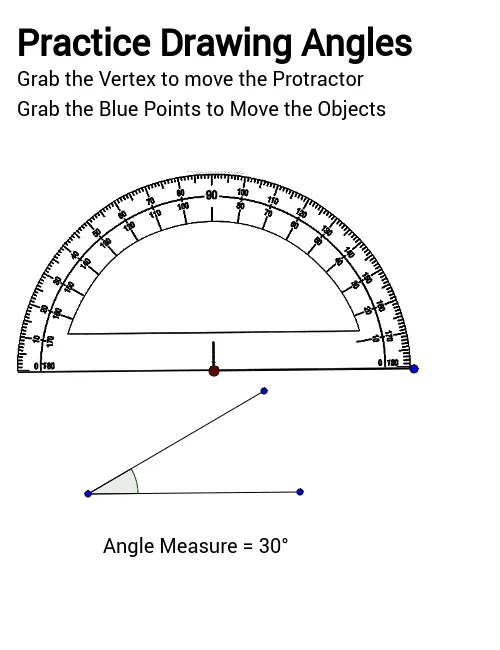
This example demonstrates how students can align segments using a protractor to form desired angles. The core math concepts involved are angle measurement and construction. Key GeoGebra commands used include Point, Segment, Circle, Line, Intersect, Rotate, and Angle. It is suitable for middle school mathematics education, helping students master the basic skills of angle drawing.
GeoGebra Commands & Parameters
Point(Circle[A, ProtractorSize]) → BSegment(A, B) → aCircle(A, Segment[A, B]) → cLine(B, A) → bIntersect(c, b, 2) → CRotate(α1, 78*°, α2) → α5Segment(α2, α5) → α3Angle(ζ3, ζ2, ζ1) → ζSegment(ζ1, ζ2) → ζ4Segment(ζ2, ζ3) → ζ5