
Double the Length of a Line Segment: Geometric Construction
Loading the math board and drawing, please wait…
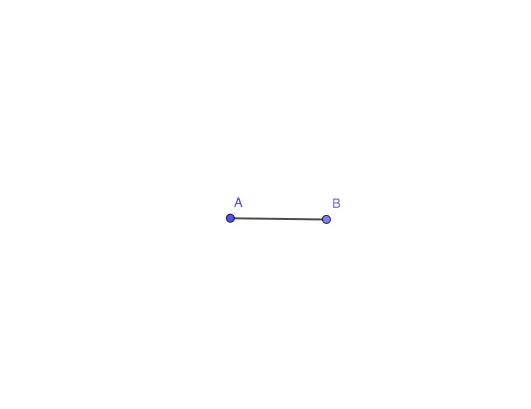
①This example shows how to construct a new line segment exactly twice the length of a given segment AB using GeoGebra. ②Core mathematical concepts include segment length, ratio, geometric construction principles, and subtle ideas of limits and inequalities (e.g., length remains positive and satisfies the doubling relation) when points are moved dynamically. ③Construction steps: use the Circle command to draw circles centered at A and B with radius AB; their intersection defines point C; then use the Segment command to connect A to C (or B to C) to obtain the doubled segment. Objects involved: points A, B, C, circle c, segment f. ④This is ideal for middle and high school students to grasp the fundamental 'doubling' operation in compass-and-straightedge construction, and serves as a visual springboard for exploring limits, inequalities, vectors, and set theory in a dynamic geometry environment.
GeoGebra Commands & Parameters
Circle(A, 5) → cPoint(c) → BSegment(A, B) → f
AI Drawing Prompt Reference
Draw a line segment and two circles with the segment's endpoints as centers and the segment's length as radius. Connect one endpoint to the intersection of the circles to form a new line segment that is twice the length of the original, demonstrating that the length remains positive and satisfies the doubling relation as points move dynamically.
The prompt above was compiled from the original drawing commands and is for reference only.