
Double Number Line Model for Percentages
Loading the math board and drawing, please wait…
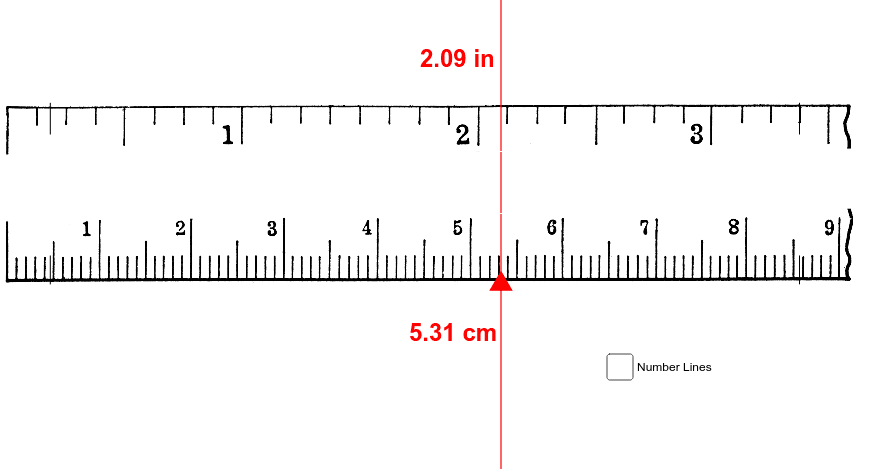
This example demonstrates how to parallelize percentage measurements with linear measurements (cm/in) using a double number line. It involves core math concepts like percentages, integers, and linear measurements. Constructed with GeoGebra commands such as Segment, Point, OrthogonalLine, Intersect, Polygon, and Textfield. Suitable for middle school and above mathematics education to understand the relationship between percentages and linear measurements.
GeoGebra Commands & Parameters
Segment(A, B) → aSegment(C, D) → bPoint(a) → EOrthogonalLine(E, a) → cIntersect(c, b) → FPoint(a) → GPolygon(H, I, J, K) → poly1, h, i, j, kSegment(L, M) → eSegment(N, O) → fSegment(P, Q) → gSegment(R, S) → lSegment(T, U) → mSegment(L1, M1) → nSegment(N1, O1) → pSegment(P1, Q1) → qSegment(R1, S1) → rSegment(T1, U1) → sTextfield(RV) → InputBox1Segment(A3, B3) → a_1Segment(C3, D3) → b_1Segment(Q3, P3) → c_1Segment(S3, R3) → d_1Segment(A5, B5) → e_1Segment(C5, D5) → f_1Segment(E5, F5) → g_1Segment(G5, H5) → h_1Segment(V5, W5) → i_1Segment(T5, U5) → j_1Segment(R5, S5) → k_1Segment(P5, Q5) → l_1