
Dot Product Demonstration by David Beydler
Loading the math board and drawing, please wait…
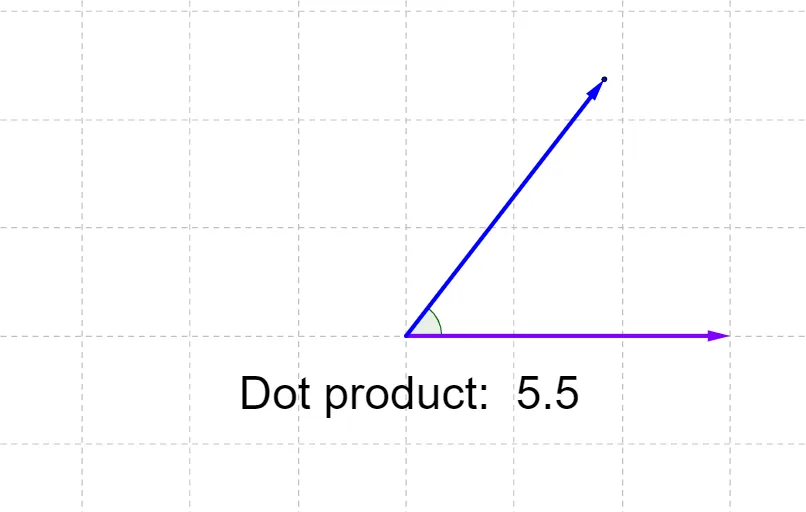
This example demonstrates the calculation and geometric interpretation of the dot product in 2D space. It involves core concepts like vector dot product, vector magnitude, cosine of angle, and linear regression. Construction highlights include using commands like Circle, Intersect, Point, Vector, and Angle to create vectors, circles, and intersection points, calculating the dot product, and measuring angles. Suitable for high school mathematics teaching to understand vector operations and geometric applications.
GeoGebra Commands & Parameters
Circle((0, 0), 3) → cIntersect(xAxis, yAxis) → APoint(c) → BVector(A, B) → uPoint(c) → CVector(A, C) → vAngle(B, A, C) → α
AI Drawing Prompt Reference
In a 2D coordinate plane, draw a circle centered at the origin with radius 3. Pick two arbitrary points on the circle, and from the origin draw two vectors to these points. Measure and display the angle between the two vectors. Label the origin and the two points on the circle. The diagram illustrates the geometric interpretation of the dot product, showing vector magnitudes, the cosine of the angle, and their relationship.
The prompt above was compiled from the original drawing commands and is for reference only.