
Divide a line segment into equal segments
Loading the math board and drawing, please wait…
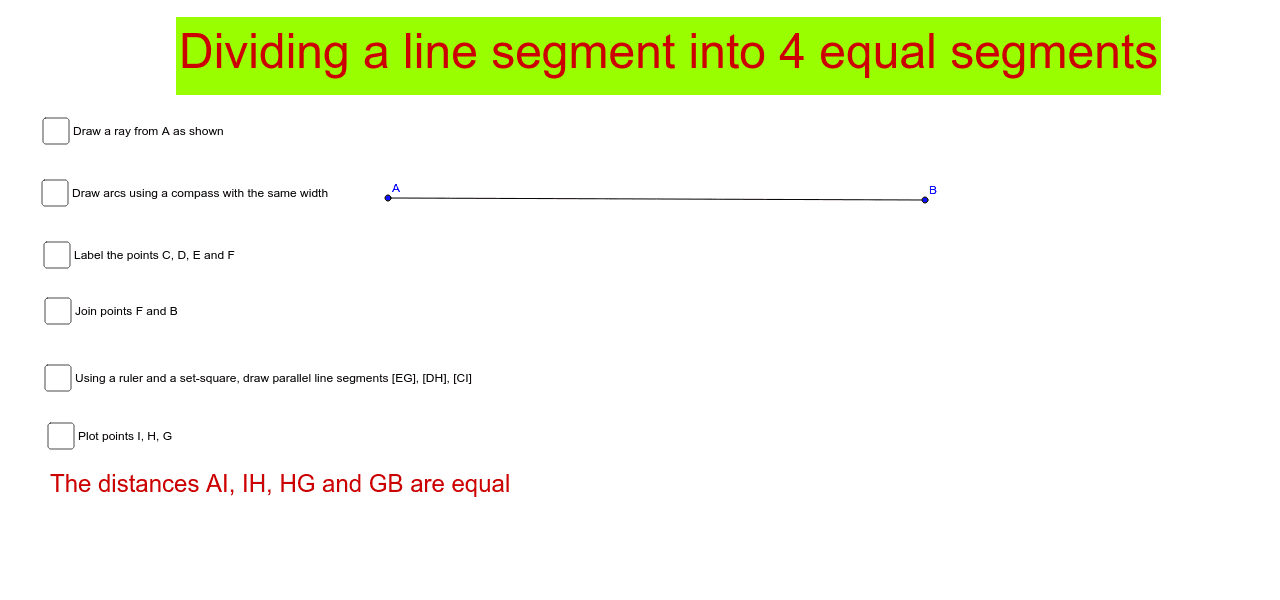
This example demonstrates how to divide a line segment into equal parts. It involves core mathematical concepts such as line segments, geometric construction, and equal partitioning. Key GeoGebra commands and objects used include Segment, Circle, Point, CircleArc, Intersect, and Distance for constructing the division. Suitable for high school mathematics teaching or geometric construction learning.
GeoGebra Commands & Parameters
Segment(A, B) → aSegment(A, C_1) → bCircle(A, 4) → dCircle(A, 6) → eCircle(A, 8) → fPoint(d) → F_1Point(d) → G_1CircleArc(A, F_1, G_1) → hPoint(e) → H_1Point(e) → I_1CircleArc(A, H_1, I_1) → kPoint(f) → JPoint(f) → KCircleArc(A, J, K) → pCircle(A, 2) → cPoint(c) → D_1Point(c) → E_1CircleArc(A, D_1, E_1) → gIntersect(g, b, 1) → CIntersect(h, b, 1) → DIntersect(k, b, 1) → EIntersect(p, b, 1) → FSegment(F, B) → iPoint(a) → GSegment(E, G) → jPoint(a) → HSegment(D, H) → lPoint(a) → ISegment(C, I) → mDistance(A, I) → distanceAIDistance(I, H) → distanceIHDistance(H, G) → distanceHGDistance(G, B) → distanceGB
AI Drawing Prompt Reference
Draw a line segment and demonstrate how to divide it into equal parts. Start by drawing a line segment, then use one endpoint as the center to draw circles with radii 2, 4, 6, and 8, intersecting the line segment at points. Next, draw circles using these points as centers, intersecting the line segment again. Finally, connect these intersection points to the other endpoint of the line segment to show equal division.
The prompt above was compiled from the original drawing commands and is for reference only.