
Discount and Tax Percentage Calculation
Loading the math board and drawing, please wait…
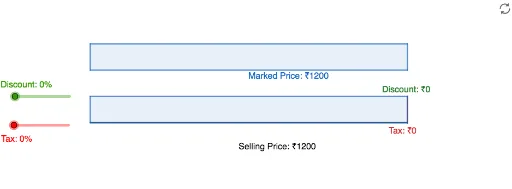
This example demonstrates how to calculate the final price after applying discount and tax using GeoGebra. Key mathematical concepts include percentages, ratios, and basic algebra. Users can dynamically adjust the discount and tax rates to observe price changes using commands like Polygon and Segment. Suitable for middle school and above students.
GeoGebra Commands & Parameters
Polygon(A, X, Y, B) → q1, MarkedPrice, x_1, y_1, b_1Polygon(G, W, V, H) → q3, Discount, w, v, h_1Polygon(H, J, I, G) → q4, Tax, j, i, g_2Segment(D, J) → SellingPricePolygon(C, G, H, D) → q2, c, g, h, d