
Dilations Using a Slider
Loading the math board and drawing, please wait…
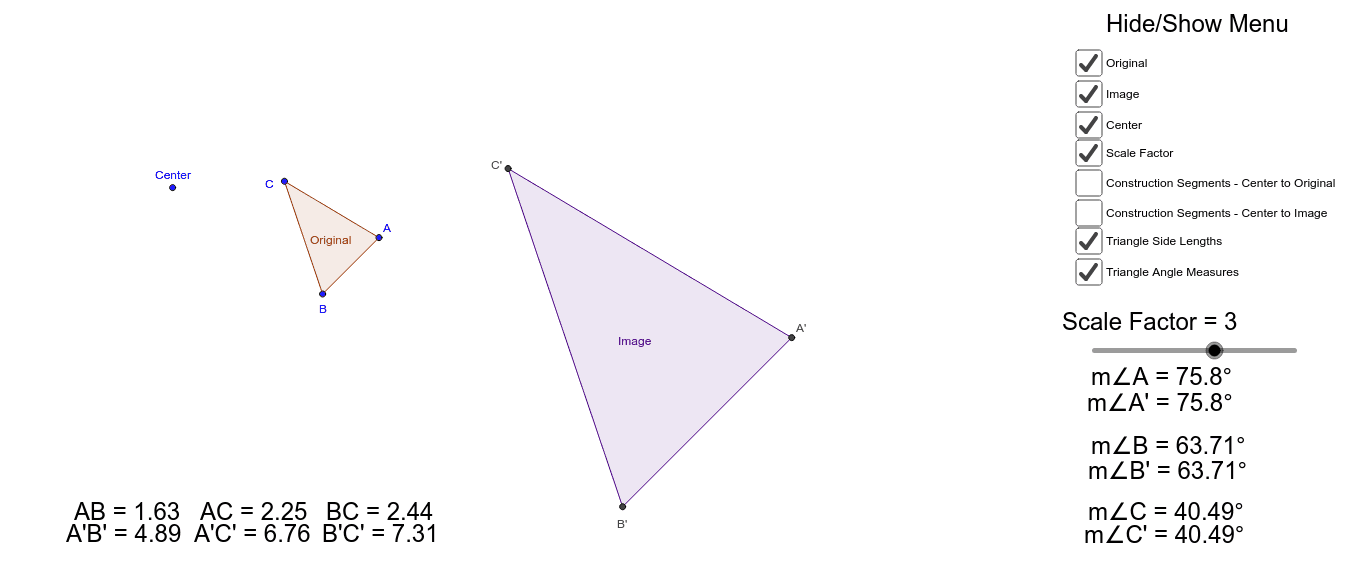
This applet demonstrates geometric dilations using a slider to adjust the scale factor. Key mathematical concepts include geometric similarity, scale factor, and transformation. Using commands like Polygon, Intersect, Segment, and Angle, students can observe how different scale factors affect the shape. Suitable for middle school and above students learning geometric transformations.
GeoGebra Commands & Parameters
Polygon(A, B, C) → Original, c, a, bPolygon(Dilate[A, ScaleFactor, Center], Dilate[B, ScaleFactor, Center], Dilate[C, ScaleFactor, Center]) → Image, d, e, fIntersect(d, f) → A'Intersect(e, f) → C'Intersect(d, e) → B'Segment(Center, A) → kSegment(Center, A') → lSegment(Center, B) → mSegment(Center, B') → nSegment(Center, C) → pSegment(Center, C') → qAngle(B', C', A') → αAngle(B, C, A) → βAngle(C', A', B') → γAngle(C, A, B) → δAngle(A, B, C) → εAngle(A', B', C') → ζ