
Dilation on a Ray: Dynamic Scaling of a Polygon
Loading the math board and drawing, please wait…
In collections
Dilations
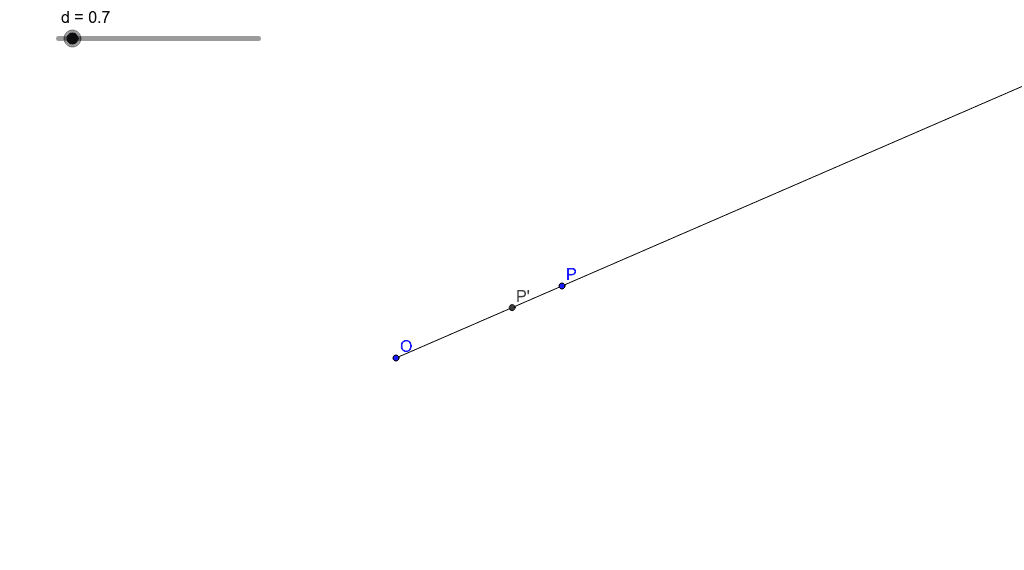
This GeoGebra example demonstrates a dilation transformation applied to a polygon along a ray. By dragging point P or adjusting the scale factor, users can observe how the original polygon poly1 is scaled from a center O along the ray direction, producing a new polygon P'. The core mathematical concept is dilation (a similarity transformation), which involves a center, a scale factor, and the property that corresponding points lie on the same ray from the center with distances proportional to the factor. The construction uses GeoGebra commands such as Polygon to create the original shape, Segment and Ray to define the reference line, Intersect to find key points, and dilation tools to generate the transformed polygon, while retaining objects like d, O, C, B, P, and poly1. This example is suitable for middle or high school geometry lessons on similarity and dilation, as well as for dynamic geometry exploration in teacher training or introductory college geometry. It helps learners intuitively grasp how the center, scale factor, and ray orientation affect the size and position of the transformed figure.
GeoGebra Commands & Parameters
Polygon(Dilate[P, d, O], Dilate[B, d, O], Dilate[C, d, O]) → poly1, a, b, cSegment(B, C) → eSegment(P, B) → fSegment(C, P) → gIntersect(a, c) → P'Ray(O, P) → h
AI Drawing Prompt Reference
Draw a dynamic illustration of a polygon being dilated along a ray: start with a polygon and a ray, set a center point for dilation, adjust a scale factor with a slider, and dilate each vertex of the polygon along the ray direction according to the scale factor to form a new polygon, showing the position relationships of the center and key points.
The prompt above was compiled from the original drawing commands and is for reference only.