
Dilation-Based Splitting of Triangle Sides (Geo.3.5 Lesson 1)
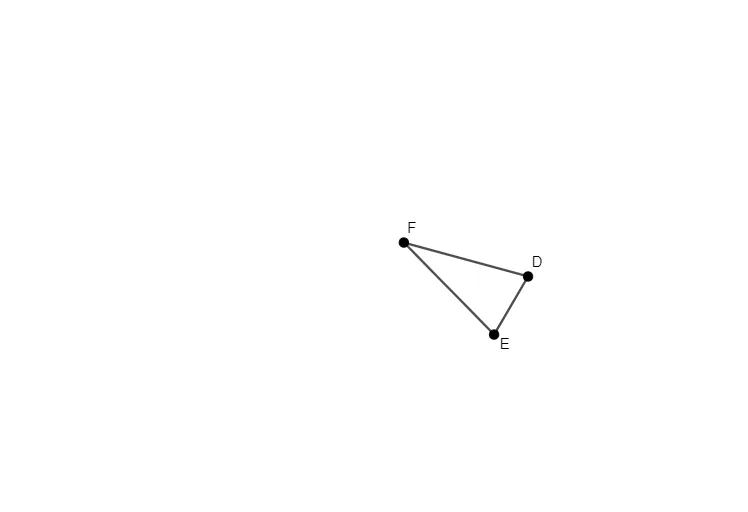
Loading the math board and drawing, please wait…
This example demonstrates how to split the sides of a triangle using a dilation (scaling) approach, making the division points correspond to a prescribed geometric ratio. The key math concepts include dilation/similarity transformations, proportional division of line segments, and the geometric interpretation of piecewise or parameter-driven relationships; it is also framed around circle geometry such as the circumcircle/circumscribed circle connections. Construction highlights: the provided GeoGebra summary shows the use of Polygon to create the triangle-related objects D, E, and F, together with points t1, d, f, and e that represent the key division/intermediate construction points. Their placement and updating are driven by the underlying ratio/parameter logic, enabling a clear visualization of how the triangle’s sides are partitioned. Suitable for advanced secondary geometry, contest preparation, and GeoGebra instruction on similarity and transformation-based constructions.
GeoGebra Commands & Parameters
Polygon(F, E, D) → t1, d, f, e
AI Drawing Prompt Reference
Draw a triangle by dividing its sides proportionally using a dilation approach. Create the triangle's vertices D, E, and F with the polygon tool, and then adjust the ratio parameter to dynamically show the division points t1, d, f, and e on the sides of the triangle, observing how these points evenly or unevenly divide the triangle's sides.
The prompt above was compiled from the original drawing commands and is for reference only.