
Dice Footy Simulation
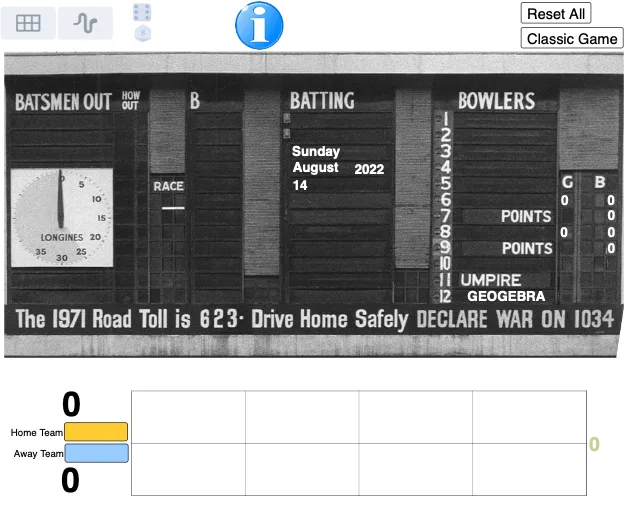
Loading the math board and drawing, please wait…
This example demonstrates the simulation of Australian Rules Football games using dice. It involves core math concepts like Random Experiments, Solids or 3D Shapes, Angles, Conditional Probability, Equilateral Triangles, and Boxplot. The construction utilizes commands and objects such as Corner, Textfield, If, Polygon, Max, Segment, StepGraph, Min, and Sequence from GeoGebra. It is suitable for high school students learning probability statistics and geometric constructions, serving as a teaching demonstration or student exploration tool.
GeoGebra Commands & Parameters
Corner(2) → C_2Corner(1) → C_1Corner(4) → C_4Textfield(HomeTeam) → InputBoxHomeTextfield(AwayTeam) → InputBoxAwayIf(g1 ≥ 10, Text[floor(g1 / 10)], "") → gtens1If(g2 ≥ 10, Text[floor(g2 / 10)], "") → gtens2If(b1 ≥ 10, Text[floor(b1 / 10)], "") → btens1If(b2 ≥ 10, Text[floor(b2 / 10)], "") → btens2If(p1 ≥ 10, Text[Mod[floor(p1 / 10), 10]], "") → ptens1If(p2 ≥ 10, Text[Mod[floor(p2 / 10), 10]], "") → ptens2If(p2 ≥ 100, Text[floor(p2 / 100)], "") → pcent2If(p1 ≥ 100, Text[floor(p1 / 100)], "") → pcent1Polygon({(wormXL, wormYD), (wormXL, wormYU), (wormXR, wormYU), (wormXR, wormYD)}) → wormBoxMax(10, (10 * ceil(Max[abs(wormDiff) + 1] / 10))) → wormScaleSegment(WormCL, WormCR) → wormClineStepGraph(wormX, wormY, true) → wormSegment(Q1up, Q1down) → q1lineSegment(Q2up, Q2down) → q2lineSegment(Q3up, Q3down) → q3lineSegment((wormXL, (0.75 * wormYU) + (0.25 * wormYD)), (wormXR, (0.75 * wormYU) + (0.25 * wormYD))) → wormHPlineSegment((wormXL, (0.25 * wormYU) + (0.75 * wormYD)), (wormXR, (0.25 * wormYU) + (0.75 * wormYD))) → wormHMlineMin(wormXL + ((q4factor * wormTscale) * (wormXR - wormXL)), wormXR) → wormQ4Segment(Q4up, Q4down) → q4lineSequence(16) → horses