
Determining Square Properties
Loading the math board and drawing, please wait…
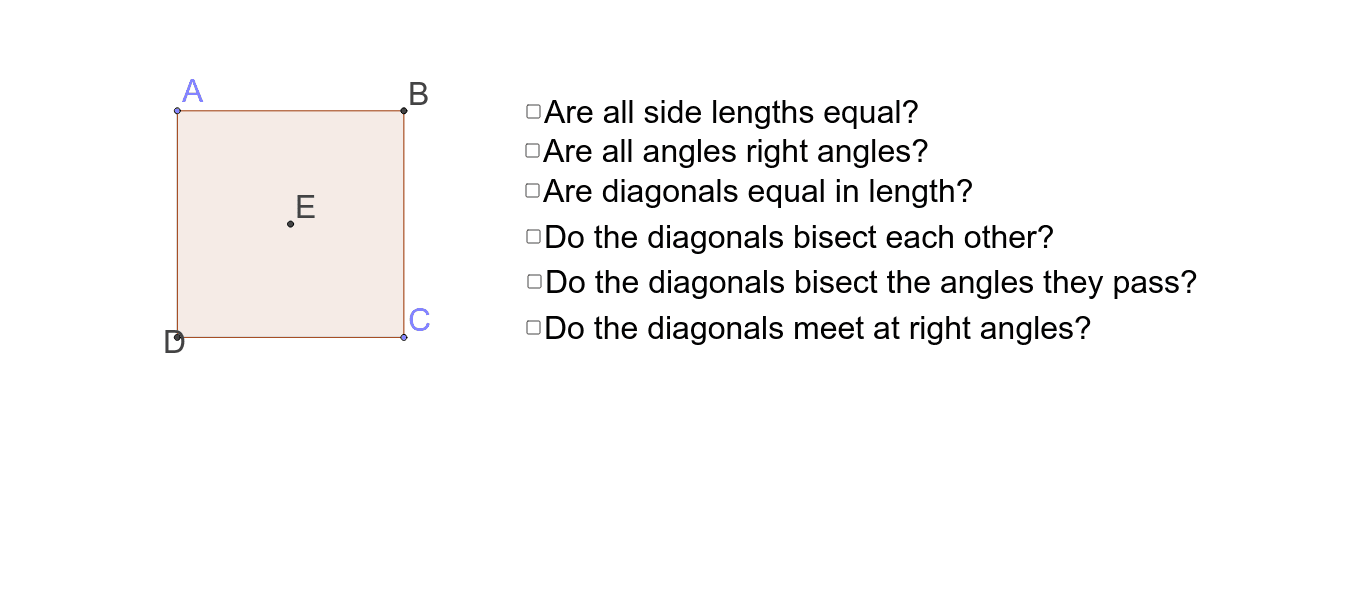
This example demonstrates how to interactively explore and determine the properties of a square. Key math concepts include side length, area, angles, and symmetry. Construction involves commands like Intersect, Point, Line, Segment, Mirror, Polygon, and Angle from GeoGebra. Suitable for middle school and above for geometry learning and property exploration.
GeoGebra Commands & Parameters
Intersect(xAxis, yAxis) → DPoint(yAxis) → ALine(D, C_1) → aSegment(A, D) → bMirror(A, a) → C_2Mirror(D, a) → A'Segment(C_2, A') → b'Line(C_2, D_1) → cPolygon(A, D, C_2) → poly1, b'_1, b_1, a_1Line(C_2, A) → dMirror(A, a_1) → B'_1Mirror(D, a_1) → BMirror(C_2, a_1) → CPolygon(B'_1, B, C) → poly1', b'', b'_2, a'_1Polygon(D, A, B, C_2) → poly2, a_2, b_2, a'_2, b'_3Angle(C_2, D, A) → αAngle(D, A, B) → βAngle(A, B, C_2) → γAngle(B, C_2, D) → δSegment(D, B) → gSegment(A, C_2) → hIntersect(g, h) → ESegment(A, E) → jSegment(E, C_2) → kSegment(E, B) → lSegment(E, D) → mAngle(E, D, A) → εAngle(D, A, E) → ζAngle(E, A, B) → ηAngle(A, B, E) → θAngle(E, B, C_2) → ιAngle(B, C_2, E) → κAngle(E, C_2, D) → λAngle(C_2, D, E) → μAngle(A, E, D) → νAngle(D, E, C_2) → ξAngle(C_2, E, B) → οAngle(B, E, A) → ρPolygon(A, B, C, D) → poly3, a_3, b_3, c_1, d_1Segment(A, C) → qSegment(D, B) → rPolygon(A, B, C, D) → poly4, a_4, b_4, c_2, d_2Segment(A, C) → tSegment(D, B) → e_1
AI Drawing Prompt Reference
Draw a square to demonstrate its properties such as side length, area, angles, and symmetry. Start by plotting the intersection of the x and y axes, then draw one side of the square from this point. Use symmetry to complete the square by drawing the remaining three sides. Label the four vertices, four sides, and four interior angles of the square. Calculate and mark the intersection point of the diagonals. Finally, measure and label the eight angles formed between the diagonals and the square's sides to explore additional geometric properties.
The prompt above was compiled from the original drawing commands and is for reference only.