
Derivative Exploration by VTMike
Loading the math board and drawing, please wait…
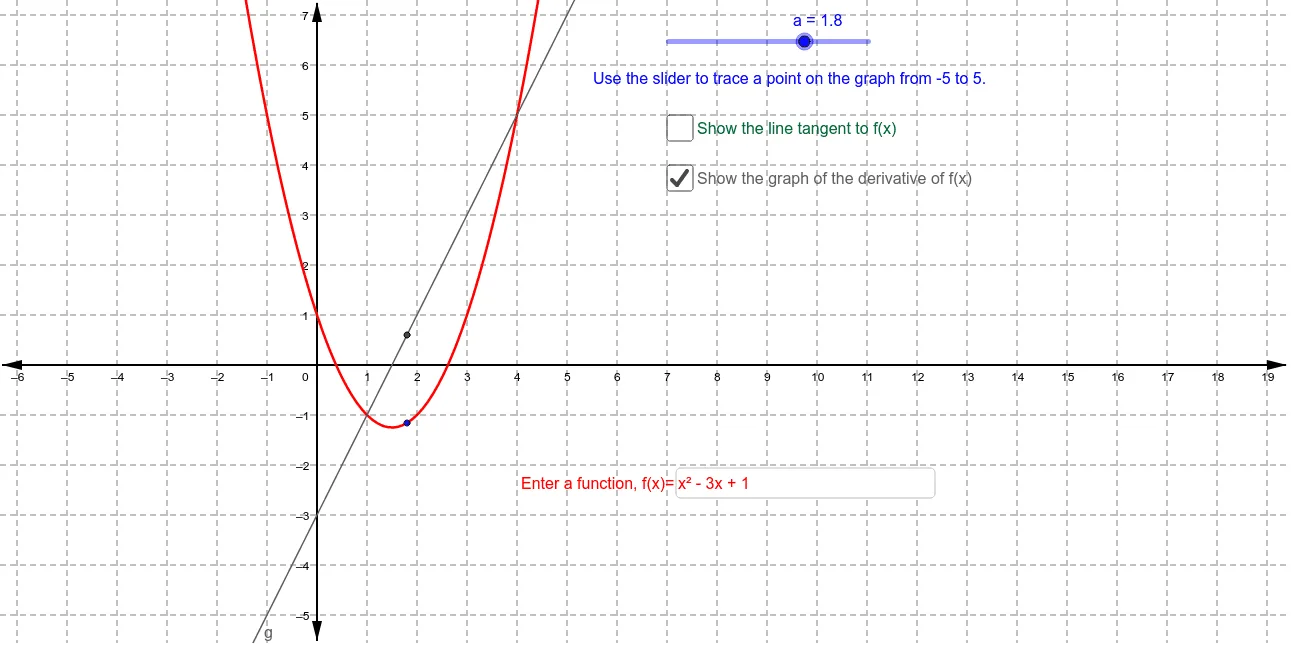
This example demonstrates how to dynamically explore the relationship between a function's derivative and its graph. Key math concepts include the geometric meaning of derivatives (tangent slope) and function graph analysis. Construction highlights involve using GeoGebra commands/objects like Textfield, Tangent, and Slope to create tangents, calculate slopes, and display results. Suitable for high school and above students learning calculus concepts and applications.
GeoGebra Commands & Parameters
Textfield(f) → inputBox1Tangent(A, f) → bSlope(b) → m
AI Drawing Prompt Reference
Draw a function graph and dynamically show the tangent line and its slope at any point on the function, where the tangent line passes through the point on the function graph and the slope value is displayed next to the tangent line, with an input box for entering the function expression, overall demonstrating the relationship between the function, tangent line, and slope, suitable for exploring the geometric meaning of derivatives.
The prompt above was compiled from the original drawing commands and is for reference only.