
Derivative Demonstrator
Loading the math board and drawing, please wait…
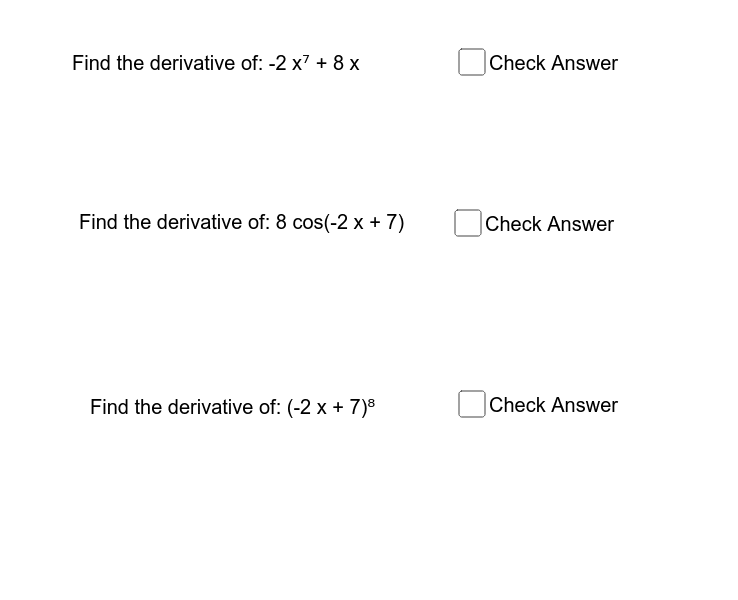
This GeoGebra applet demonstrates the concept of derivatives. By adjusting the function, you can observe the geometric meaning of derivatives. Key mathematical concepts include derivatives and functions. Commands used include Random, RandomElement, and Derivative. Suitable for high school math education and learning.
GeoGebra Commands & Parameters
Random(-10, 10) → aRandom(-10, 10) → cRandom(-10, 10) → bRandomElement({(c * sin((a * x) + b)), (c * cos((a * x) + b)), (c * tan((a * x) + b)), (c * cot((a * x) + b)), (c * sec((a * x) + b)), (c * csc((a * x) + b))}) → fDerivative(f) → gDerivative(h) → iDerivative(j) → k
AI Drawing Prompt Reference
Draw a function and its derivative. First, randomly generate a function in the form of c * sin(ax + b), c * cos(ax + b), c * tan(ax + b), c * cot(ax + b), c * sec(ax + b), or c * csc(ax + b), where a, b, and c are random numbers. Then, draw the graph of the function and its first derivative.
The prompt above was compiled from the original drawing commands and is for reference only.