
Derivative Demonstration by Лев Игоревич
Loading the math board and drawing, please wait…
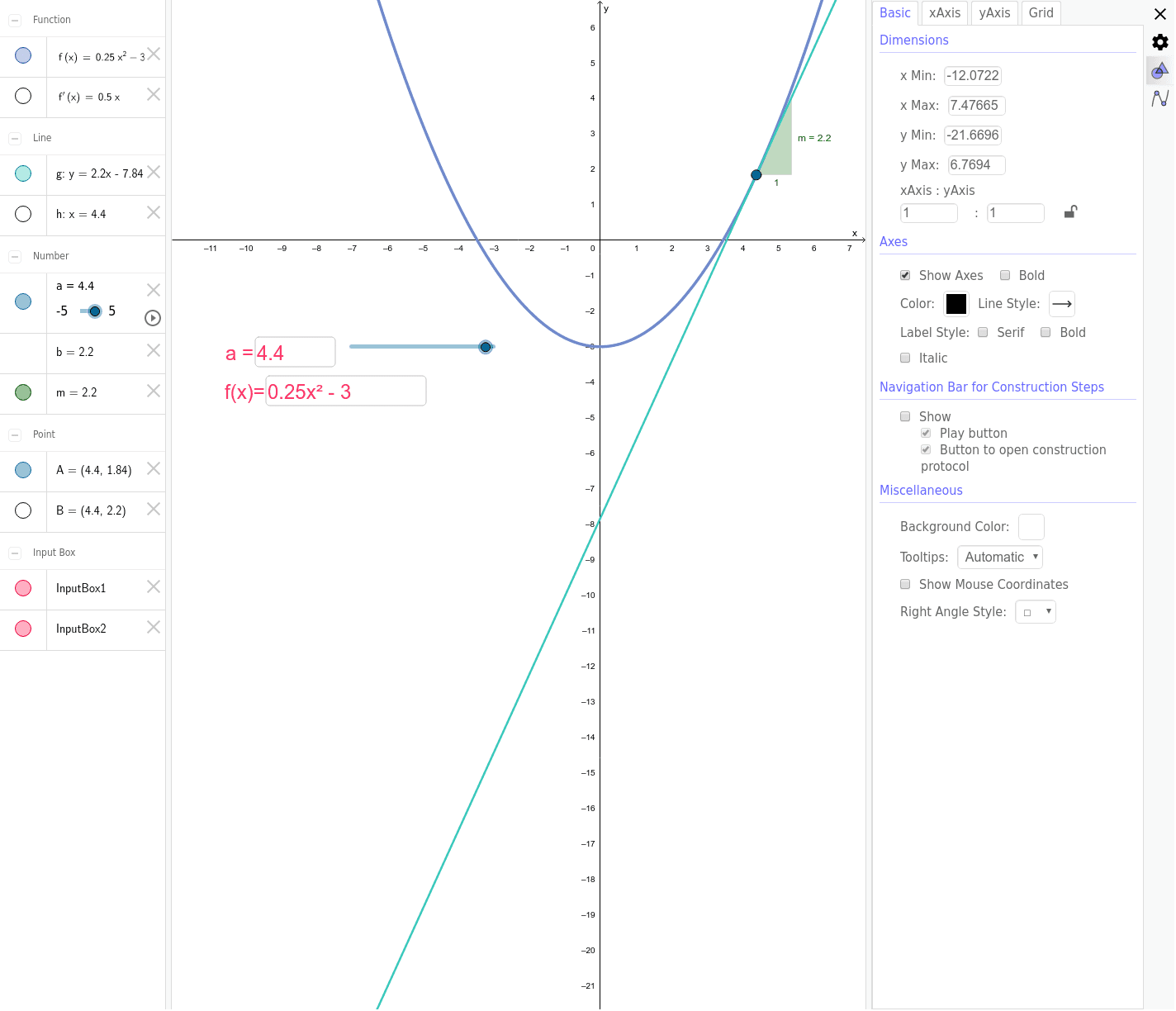
This example demonstrates the relationship between the derivative of a function at a point and its tangent line, enhancing understanding of the derivative concept through dynamic visualization. Key math concepts include derivative, tangent, slope, median line, difference and slope, arithmetic mean, correlation, and tangent function. It uses GeoGebra commands Tangent, Slope, Textfield, Intersect with objects like a, f, A, g, m, InputBox1, InputBox2, f', h, B, b. Suitable for high school and above students for calculus teaching and function property studies.
GeoGebra Commands & Parameters
Tangent(A, f) → gSlope(g) → mTextfield(f) → InputBox1Textfield(a) → InputBox2Intersect(f', h, (4.4, 2.2)) → B
AI Drawing Prompt Reference
Draw a function graph and mark a point on it, showing the tangent line at that point. Calculate and display the slope of the tangent line, and label the function expression and the coordinates of the point next to the graph. Add an auxiliary line segment that intersects the derivative graph at a specific point to create a dynamic demonstration effect, illustrating the relationship between the derivative and the tangent line.
The prompt above was compiled from the original drawing commands and is for reference only.