
Cylinder with a Hole from Rectangle
Loading the math board and drawing, please wait…
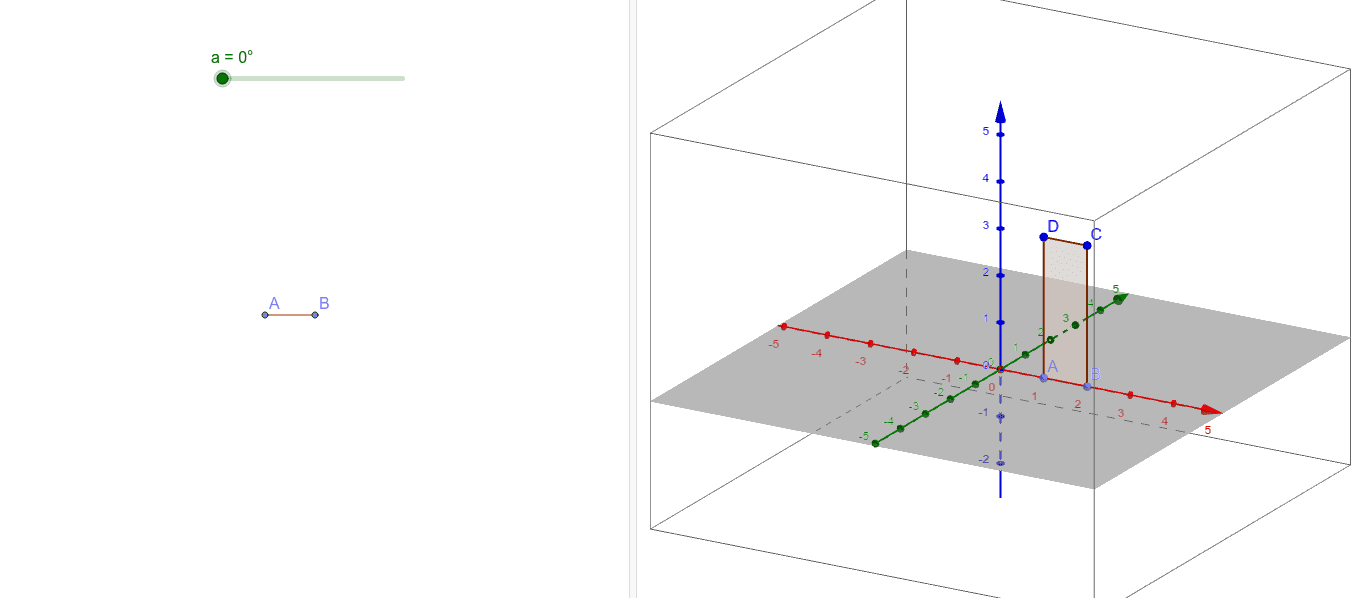
This example demonstrates the creation of a cylindrical shape with a hole by rotating a rectangle. It involves concepts in solid geometry, rotation solids, and coordinate geometry. Key GeoGebra commands used include Point, Polygon, and Rotate to construct the vertices, rectangle, and the rotated cylinder. Suitable for high school geometry instruction and geometric construction practice.
GeoGebra Commands & Parameters
Point(xAxis) → APoint(xAxis) → BPolygon(A, B, C, D) → poly1, a_1, b, c, dRotate(poly1, a, zAxis) → poly1'
AI Drawing Prompt Reference
In 3D space, place two points on the x-axiscars, then construct a rectangle using these points and two additional points. Rotate this rectangle around the z-axis to generate a solid with a cylindrical hole. The figure should show both the original rectangle and the resulting surface, illustrating the transformation from a flat shape to a 3D solid.
The prompt above was compiled from the original drawing commands and is for reference only.