
Cylinder Surface Demo
Loading the math board and drawing, please wait…
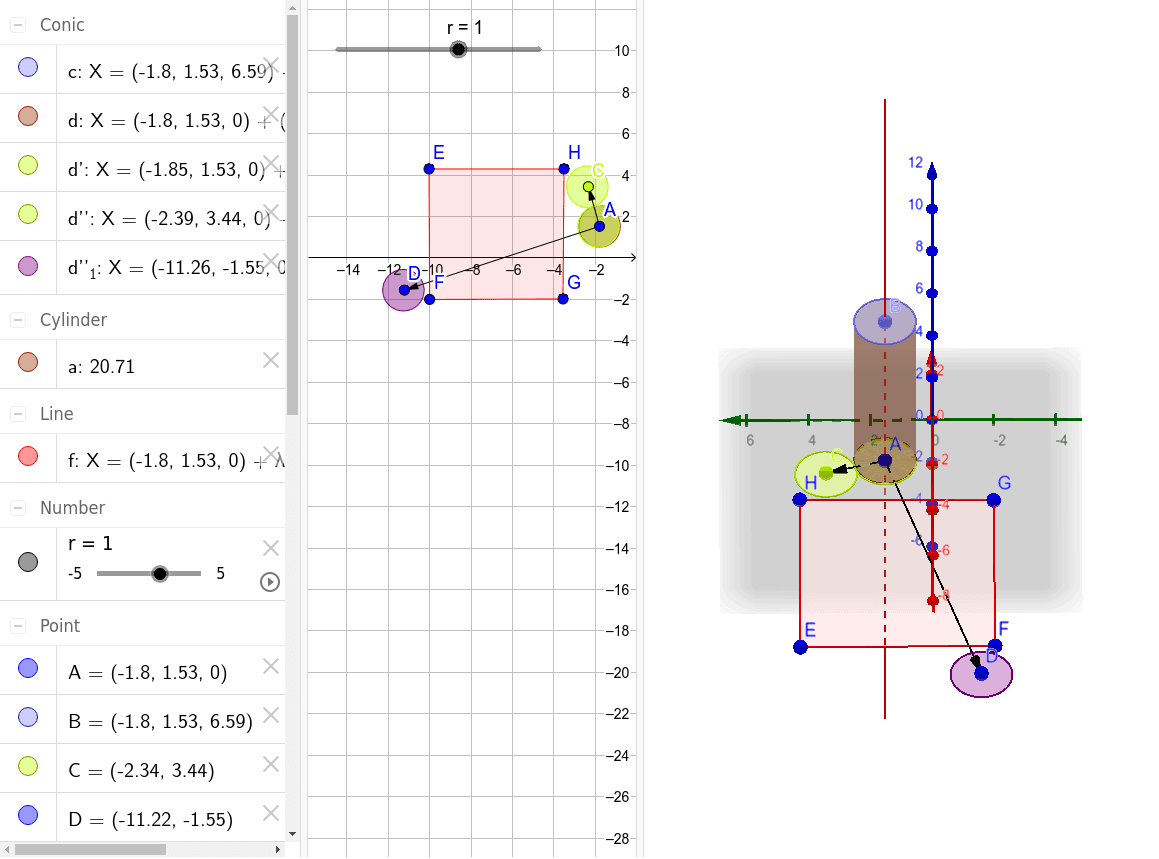
This example demonstrates the construction and calculation of the surface area of a cylinder. It involves core mathematical concepts like solid geometry, circles, trigonometry, and vector operations. Key GeoGebra commands and objects used include OrthogonalLine, Point, Cylinder, Translate, Vector, and Polygon. Suitable for high school students and math enthusiasts to understand the surface area formula and 3D shape construction.
GeoGebra Commands & Parameters
OrthogonalLine(A, xOyPlane) → fPoint(f) → BCylinder(B, A, r) → a, c, d, bTranslate(d, Vector[(-0.04825567367627914, 0)]) → d'Vector(A, C) → uTranslate(d', u) → d''Vector(A, D) → vTranslate(d', v) → d''_1Polygon(E, F, G, H) → poly1, e, f_1, g, h
AI Drawing Prompt Reference
Draw a cylinder to demonstrate the calculation of its surface area. Start by creating a line perpendicular to the base and a point on this line. Use the point and the center of the base to form the cylinder. Then, unroll the side of the cylinder into a rectangle and draw its outline. Finally, complete the rectangle into a quadrilateral to clearly show the side, top, and bottom faces of the cylinder.
The prompt above was compiled from the original drawing commands and is for reference only.