
Cylinder Construction Demo by clafaye
Loading the math board and drawing, please wait…
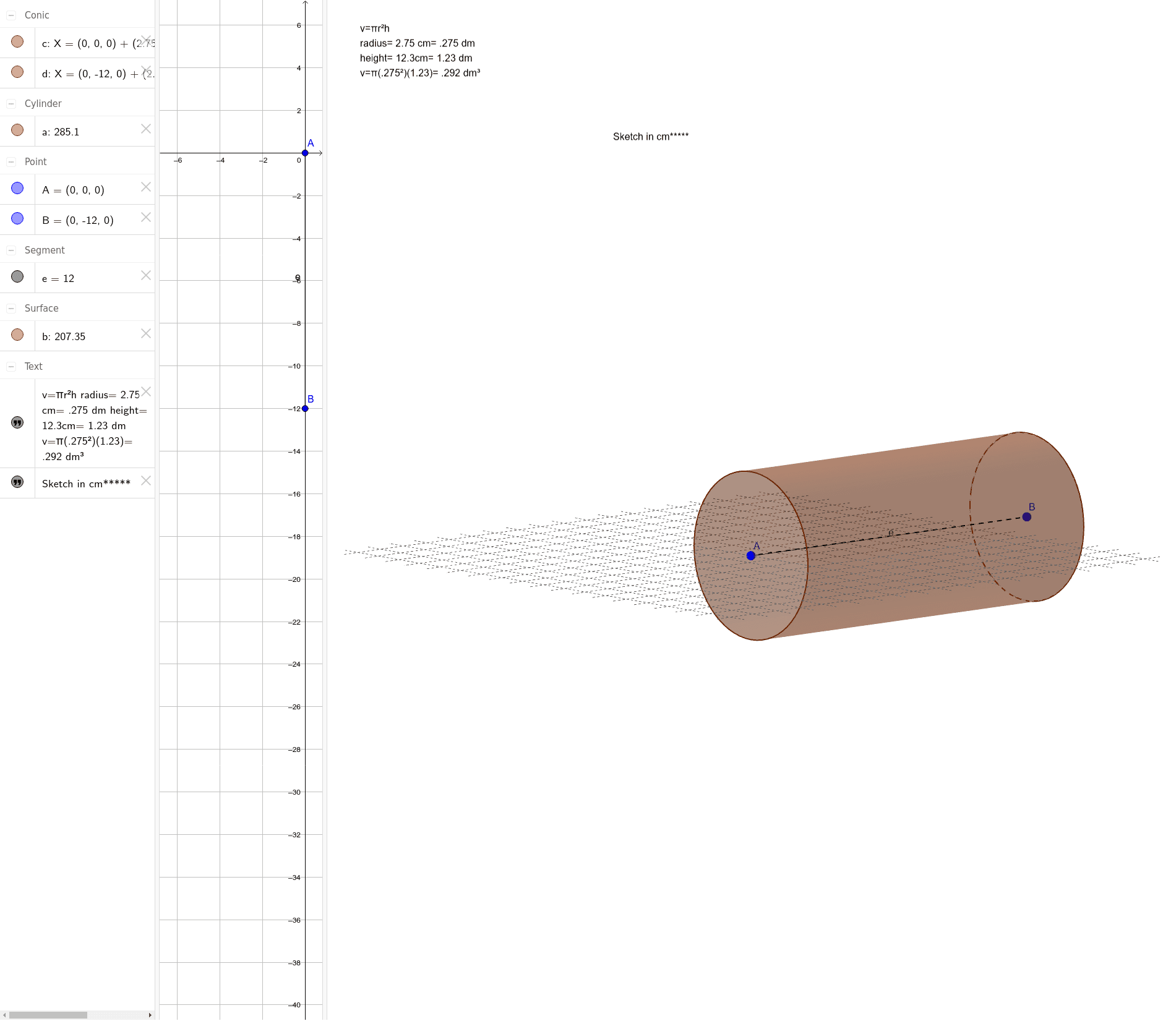
This example demonstrates how to construct a cylinder and its related elements using GeoGebra. It involves core mathematical concepts such as solid geometry, cylinder properties, line segments, and text annotations. Key GeoGebra commands/objects used include Cylinder and Segment. Suitable for high school students learning solid geometry and geometric constructions.
GeoGebra Commands & Parameters
Cylinder(A, B, 2.75) → a, c, d, bSegment(A, B) → e
AI Drawing Prompt Reference
Draw a three-dimensional cylinder with its bottom and top centers connected by a vertical line segment, serving as the central axis. The cylinder has a radius of approximately 2.75 units, and its height is determined by the distance between the two centers. The cylinder surface should be semi-transparent or wireframe to reveal the internal structure. The axis segment is drawn as a solid line, with endpoints at the centers of the bottom and top faces. The overall composition should clearly show the cylinder's solid geometry features, emphasizing the perpendicular relationship between the axis and the circular bases, suitable for instructional demonstration.
The prompt above was compiled from the original drawing commands and is for reference only.