
Claire Test 11: Cylinder with Trapezoidal Section Construction
Loading the math board and drawing, please wait…
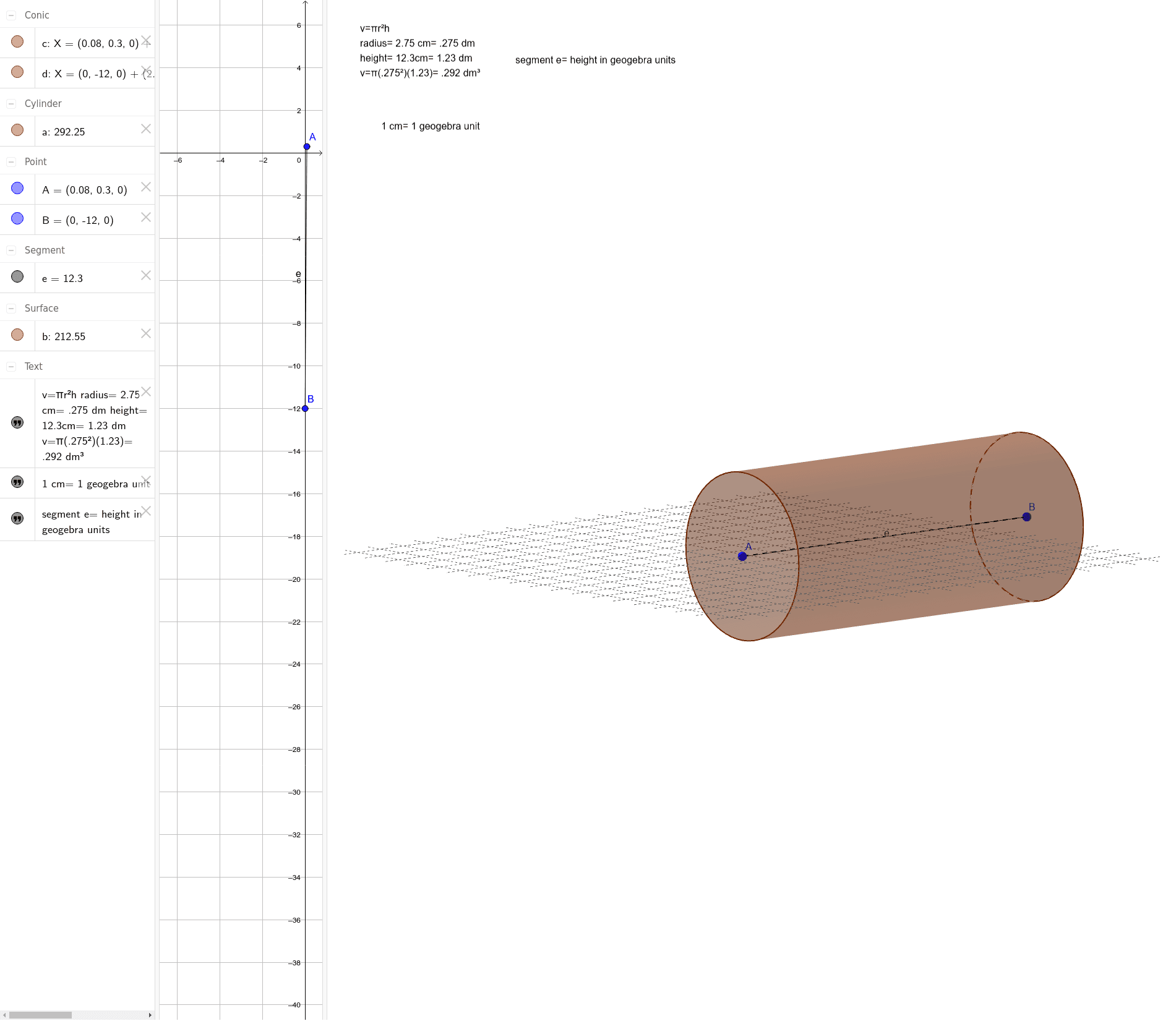
This example demonstrates a three-dimensional geometric construction combining a cylinder and a trapezoidal cross-section, accompanied by text annotations. The core mathematical concepts involve solid geometry (cylinder), planar cross-sections forming trapezoids, and a mixed inclusion of indefinite integrals, curve sketching, variance, and integers. The construction uses GeoGebra commands such as Cylinder to generate the cylindrical surface, Segment to create line segments forming the trapezoid, along with multiple text objects (text1, text2, text3), points (A, B), and variables (a, c, d, b, e) for labeling and parameter control. This example is suitable for middle school to early college students to understand basic 3D geometric construction methods, and also serves as a teaching demonstration of integrating diverse mathematical topics (e.g., calculus and geometry) in a dynamic environment.
GeoGebra Commands & Parameters
Cylinder(A, B, 2.75) → a, c, d, bSegment(A, B) → e
AI Drawing Prompt Reference
Create a 3D geometric figure featuring a cylinder defined by two center points at its bases, with a radius of 2.75. Draw a line segment connecting these two points to represent the axis. Within or on the cylinder, construct a trapezoidal cross-section using four line segments. Add three text labels to annotate the cylinder, the trapezoid, and related mathematical concepts such as integrals, curves, variance, and integers. The overall composition should clearly show the spatial relationship between the cylinder and the trapezoidal section, with appropriate textual annotations.
The prompt above was compiled from the original drawing commands and is for reference only.