
Cross Sections of a Triangular Pyramid by nandrews
Loading the math board and drawing, please wait…
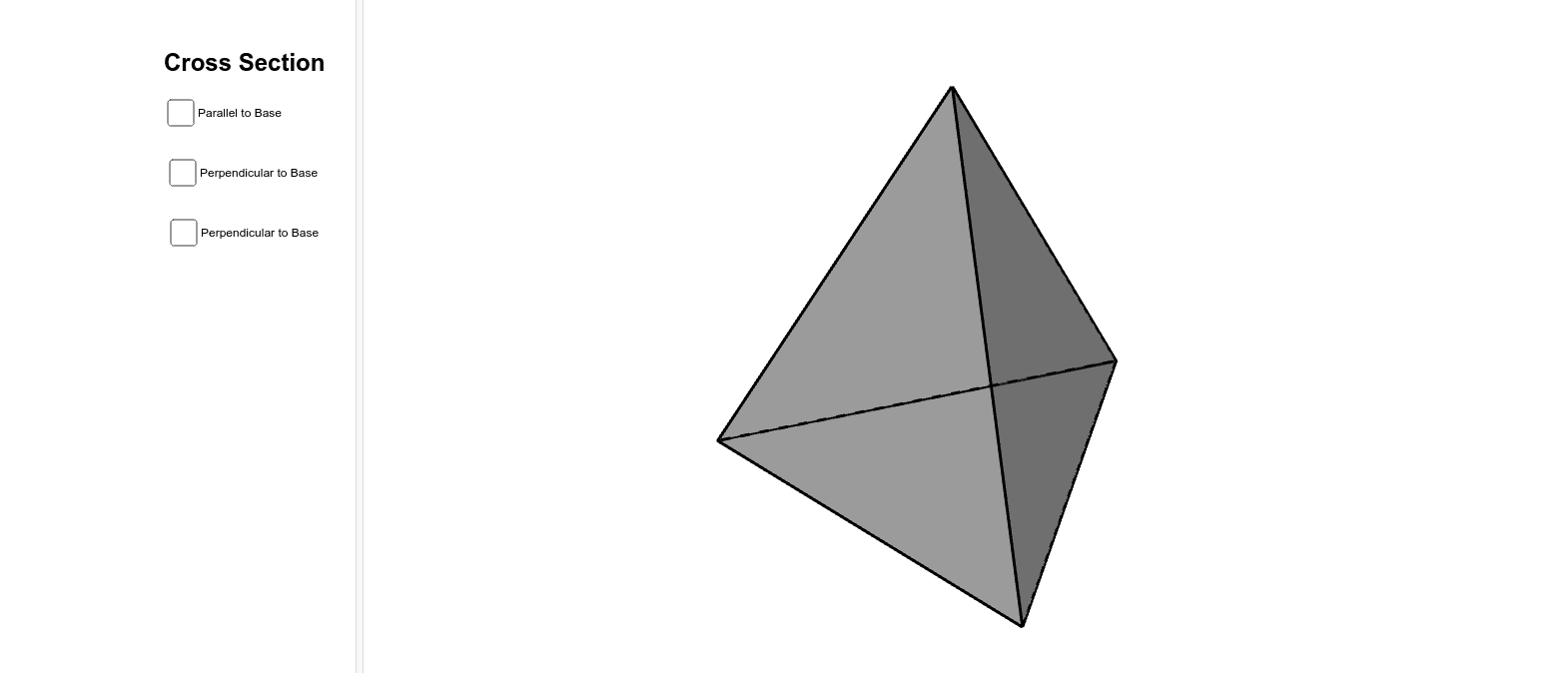
This GeoGebra example demonstrates how a dynamic cutting plane intersects a triangular pyramid (tetrahedron) to produce cross-section polygons, visualizing how the shape of the section changes as the plane moves or tilts. Core mathematical concepts include solid geometry, plane-polyhedron intersections, and spatial line-plane relationships. Construction highlights: the pyramid is built using the Pyramid command; a cutting plane is defined by points and lines; the IntersectPath command computes the intersection curves between the plane and each face; Polygon assembles the resulting cross-section; OrthogonalLine helps construct perpendicular auxiliary lines. By dragging points or using sliders, users can explore continuous transitions of the cross-section from triangles to quadrilaterals and other polygons. This resource is ideal for high school solid geometry lessons or introductory university spatial geometry, enhancing spatial reasoning and understanding of how sections relate to vertices, edges, and faces of a polyhedron.
GeoGebra Commands & Parameters
Intersect(xAxis, yAxis) → APoint(xAxis) → BPolygon(A, B, 3) → poly1, a, b, c, CPyramid(poly1, 3.7238217999231913) → d, D, faceABD, faceBCD, faceACD, edgeAD, edgeBD, edgeCDPoint(edgeCD) → ELine(E, b) → eLine(E, c) → fIntersect(edgeBD, e) → FIntersect(edgeAD, f) → GPlane(E, G, F) → gIntersectPath(g, d) → poly2, H, I, J, h, i, jPoint(edgeBD) → KOrthogonalLine(K, edgeBD, space) → lOrthogonalLine(K, poly1) → mIntersect(edgeBD, b) → LOrthogonalLine(L, c, space) → nIntersect(n, m) → MLine(M, c) → pIntersect(p, faceBCD) → NPlane(K, M, N) → oIntersectPath(o, d) → poly3, O, P, Q, q, r, sPoint(edgeBD) → RLine(R, a) → a_1Intersect(a_1, edgeAD) → SOrthogonalLine(S, poly1) → b_1Point(b_1) → TPlane(S, R, T) → uIntersectPath(u, d) → poly4, U, V, W, Z, c_1, d_1, e_1, f_1