
Cross Sections of a Triangular Prism
Loading the math board and drawing, please wait…
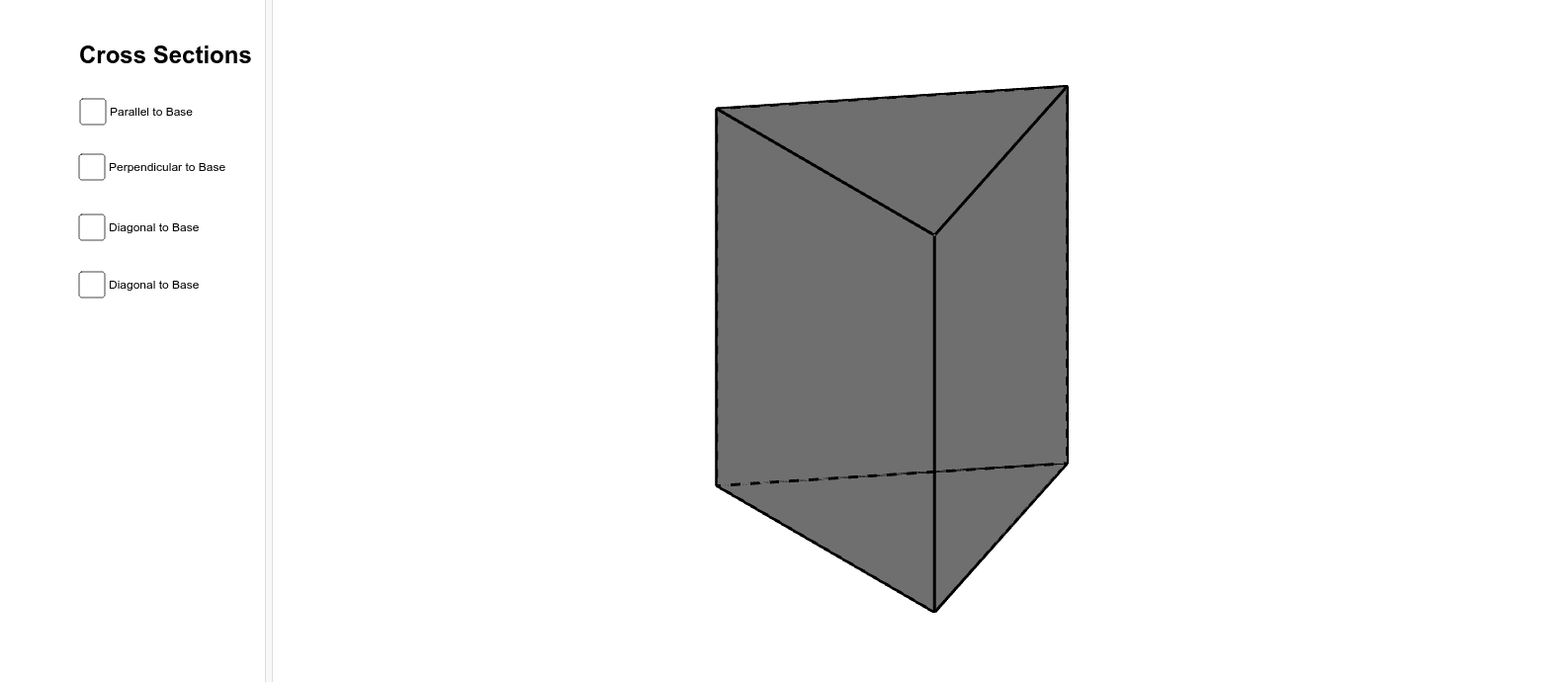
①This example dynamically cuts a triangular prism with a plane to visually explore how the cross-section shape changes with different positions and angles, helping students understand the relationship between planes and solids in 3D geometry. ②Core mathematical concepts include the structure of a triangular prism, cross-section polygons formed by plane-solid intersection, and applications of parallelism and perpendicularity in space. ③Construction highlights: the Prism command builds the triangular prism, a Plane and OrthogonalLine define the cutting plane, IntersectPath computes the intersection lines with each face, and Point, Polygon objects allow dynamic adjustment of the cutting position to generate the final cross-section. ④It is suitable for high school or early college students learning solid geometry, and for teachers to demonstrate in class to enhance spatial visualization and geometric intuition.
GeoGebra Commands & Parameters
Intersect(xAxis, yAxis) → APoint(xAxis) → BPolygon(A, B, 3) → poly1, a, b, c, CPrism(poly1, 3.586878522587578) → d, D, edgeCF, edgeDE, edgeEF, edgeDF, E, F, faceABED, faceBCFE, faceACFD, faceDEF, edgeAD, edgeBEPoint(edgeCF) → GOrthogonalLine(G, edgeBE, space) → eOrthogonalLine(G, edgeAD, space) → fIntersect(edgeBE, e) → HIntersect(edgeAD, f) → IPlane(H, G, I) → gIntersectPath(g, d) → poly2, J, K, L, h, i, jPoint(edgeDE) → MPoint(edgeDF) → NOrthogonalLine(M, a, space) → lPoint(l) → OPlane(M, N, O) → mIntersectPath(m, d) → poly3, P, Q, R, S, n, p, q, rPoint(edgeEF) → TPoint(edgeDE) → UPoint(edgeBE) → VPlane(U, T, V) → sIntersectPath(s, d) → poly4, W, Z, A_1, t, a_1, b_1Point(edgeBE) → B_1Point(edgeAD) → C_1Point(edgeCF) → D_1Plane(B_1, C_1, D_1) → vIntersectPath(v, d) → poly5, E_1, F_1, G_1, c_1, d_1, e_1
AI Drawing Prompt Reference
Draw a triangular prism and cut it with a plane to observe how the cross-section shape changes with different positions and angles. First, create a triangle using the Polygon command, then build the triangular prism with the Prism command. Define a cutting plane and compute the intersection lines with each face to generate the cross-section. Finally, dynamically adjust the cutting position to produce various cross-section shapes.
The prompt above was compiled from the original drawing commands and is for reference only.