
Cross Sections of a Cube by nandrews (2)
Loading the math board and drawing, please wait…
In collections
Cross Sections of Prisms
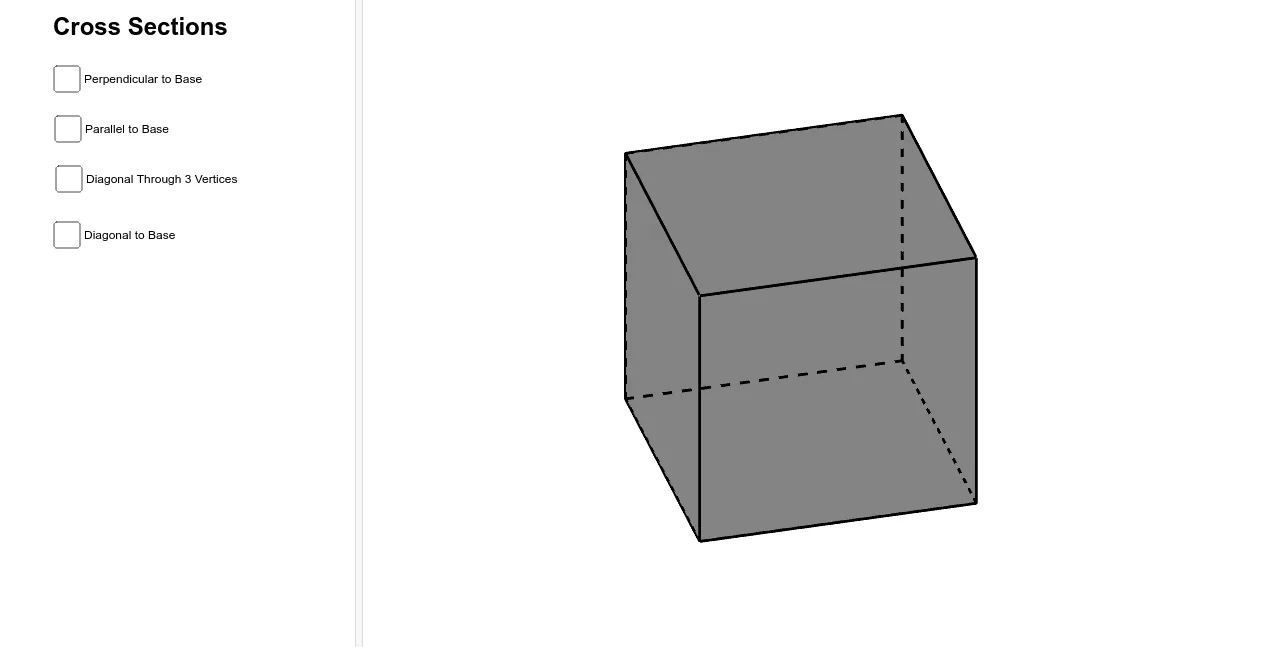
This example demonstrates the geometric transformations of a cube's cross-sections from various angles, highlighting polygonal shapes, integral and differential calculus, and trigonometric functions. It constructs the model using commands like Polygon, Prism, Point, OrthogonalLine, Intersect, Plane, IntersectPath, Segment, and Midpoint in GeoGebra. Ideal for high school students and math enthusiasts exploring solid geometry and calculus.
GeoGebra Commands & Parameters
Polygon(A, B, C, D) → poly1, a, b, c, dPrism(poly1, 4) → e, E, edgeAE, edgeBF, edgeCG, edgeDH, edgeEF, edgeFG, edgeGH, edgeEH, F, G, H, faceABFE, faceBCGF, faceCDHG, faceADHE, faceEFGHPoint(edgeFG) → IOrthogonalLine(I, edgeEH, space) → fOrthogonalLine(I, b, space) → gIntersect(b, g) → JOrthogonalLine(J, d, space) → hIntersect(edgeEH, f) → KIntersect(h, faceADHE) → LPolygon(I, K, L, J) → poly2, i, k, l, jPoint(edgeCG) → MOrthogonalLine(M, edgeBF, space) → nOrthogonalLine(M, edgeDH, space) → pIntersect(p, edgeDH) → NOrthogonalLine(N, edgeAE, space) → qPoint(q) → OPoint(n) → PPolygon(M, N, O, P) → poly3, m_1, n_1, o, p_1Point(edgeEH) → QIntersect(edgeCG, edgeGH) → RPoint(edgeDH) → SPlane(Q, R, S) → sIntersectPath(s, e) → poly4, T, U, V, W, t, a_1, b_1, c_1Intersect(edgeGH, edgeDH) → ZIntersect(edgeDH, d) → C_1Intersect(edgeGH, edgeEH) → A_1Intersect(edgeFG, edgeBF) → B_1Segment(A_1, B_1) → d_1Intersect(edgeBF, a) → D_1Segment(C_1, D_1) → e_1Point(d_1) → E_1Intersect(edgeCG, edgeFG) → F_1Intersect(edgeEH, edgeAE) → G_1Segment(G_1, C_1) → f_1Segment(F_1, C_1) → g_1Midpoint(g_1) → I_1Midpoint(f_1) → J_1Plane(E_1, J_1, I_1) → vIntersectPath(v, e) → poly5, K_1, l_1, L_1, M_1, N_1, O_1, h_1, i_1, j_1, k_1
AI Drawing Prompt Reference
Draw a cube and display its cross-sections from various angles. First, construct the cube, then select several points on the cube and draw polygonal cross-sections through these points. Use orthogonal lines and intersection points to determine the shapes of the cross-sections, including quadrilaterals and triangles. Finally, combine all the cross-sections with the cube to show the relationship between the cross-sections and the cube, as well as the changes in the cross-sections at different angles.
The prompt above was compiled from the original drawing commands and is for reference only.