
Creating Cross Sections via Dilation: Geo 5.3 Geometry Construction
Loading the math board and drawing, please wait…
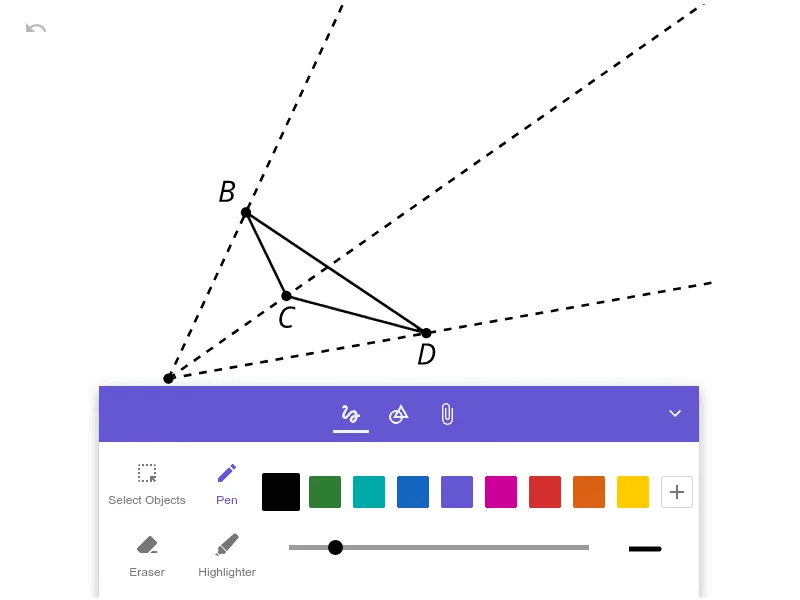
This example demonstrates how to create cross-sections using dilation (a similarity transformation), producing a corresponding “slice” shape from a reference figure. The key mathematics includes dilation and proportional scaling, the geometric mapping between original and transformed points (often controlled via vectors and a chosen center), and the resulting correspondence that makes the cross-sectional construction visually and logically clear. Construction-wise, the provided construct summary indicates the main assembled scene is object pic1; within GeoGebra, the method focuses on defining the dilation center and scale factor to map the base geometric objects to new positions/sizes, thereby generating the cross-section view. Suitable for middle and early high school geometry lessons on transformations, similarity, and construction, as well as for classroom demonstration and exploratory learning on how scaling leads to meaningful sectional shapes.
AI Drawing Prompt Reference
Draw a cross-section shape created via dilation. First, define a dilation center and a scale factor. Then, apply the dilation to the original figure, moving it to a new position and size. Ensure the scale factor controls the proportion so that the cross-section corresponds to the original. Keep the figure clear, showing the dilation process and the final cross-section view.
The prompt above was compiled from the original drawing commands and is for reference only.