
Create a System of Inequalities from Context
Loading the math board and drawing, please wait…
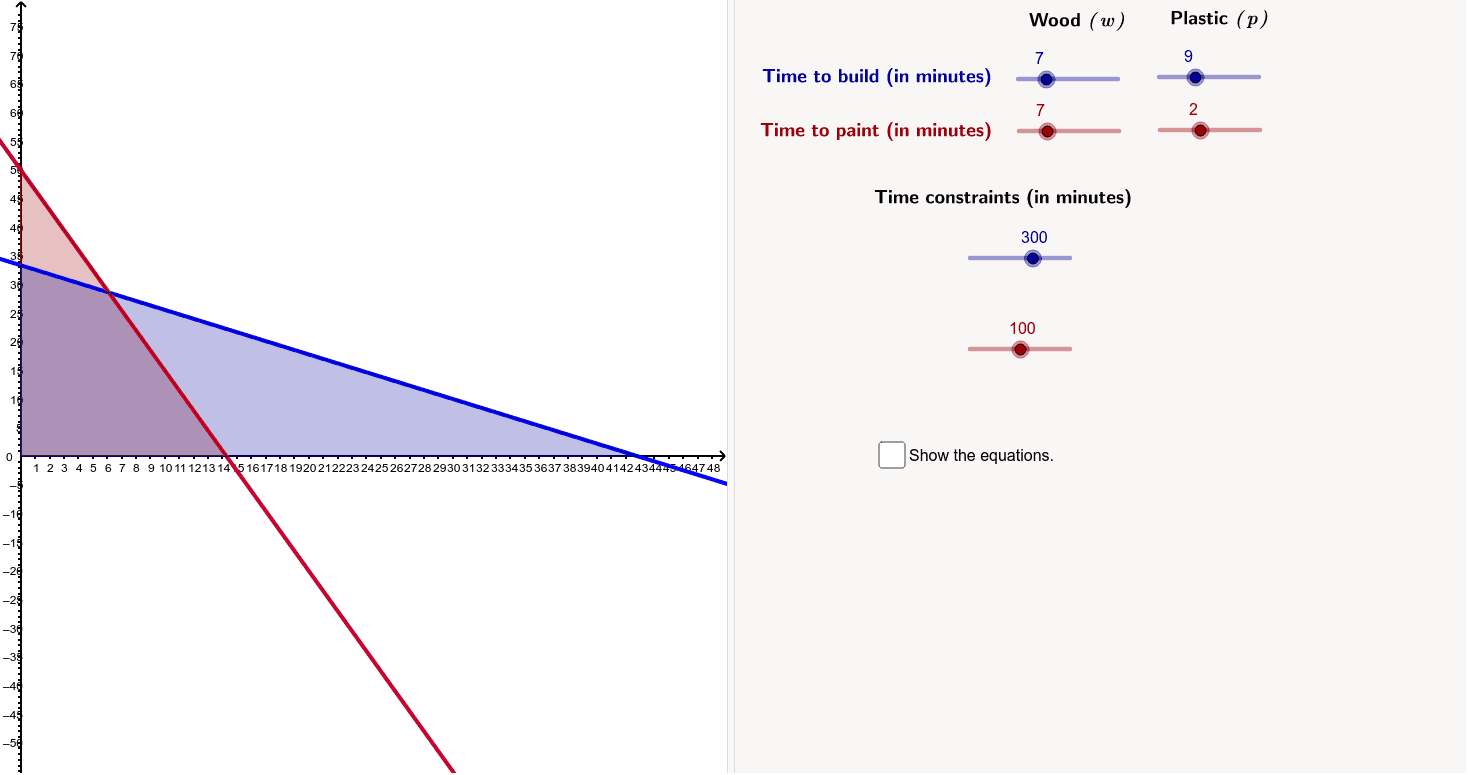
This example demonstrates how to create a system of inequalities from a real-world context. Key mathematical concepts include inequalities. The construction uses commands like Intersect, Polygon, and TableText. Suitable for 9th-grade students.
GeoGebra Commands & Parameters
Intersect(b, yAxis) → AIntersect(b, xAxis) → BIntersect(xAxis, yAxis) → CPolygon(A, B, C) → poly1, c, a_3, b_3Intersect(a, yAxis) → DIntersect(a, xAxis) → EPolygon(D, E, C) → poly2, c_3, d, eTableText({{((((a_1 * "\mathit{w} +") * b_1) * "\mathit{p} \leq") * c_1)}, {((((a_2 * "\mathit{w} +") * b_2) * "\mathit{p} \leq") * c_2)}, {"\mathit{w} \geq0"}, {"\mathit{p} \geq 0"}}, "{") → text7
AI Drawing Prompt Reference
Draw a coordinate system with two lines a and b intersecting the x-axis and y-axis to form two triangular regions. Draw a triangle at the intersection of the x-axis and y-axis, point C. Line a intersects the y-axis at point D and the x-axis at point E, while line b intersects the y-axis at point A and the x-axis at point B. In the coordinate system, use text to represent two inequalities: a*w + b*p <= c and a2*w + b2*p <= c2, along with non-negative conditions w >= 0 and p >= 0.
The prompt above was compiled from the original drawing commands and is for reference only.