
Copy a Line Segment Using Compass and Straightedge
Loading the math board and drawing, please wait…
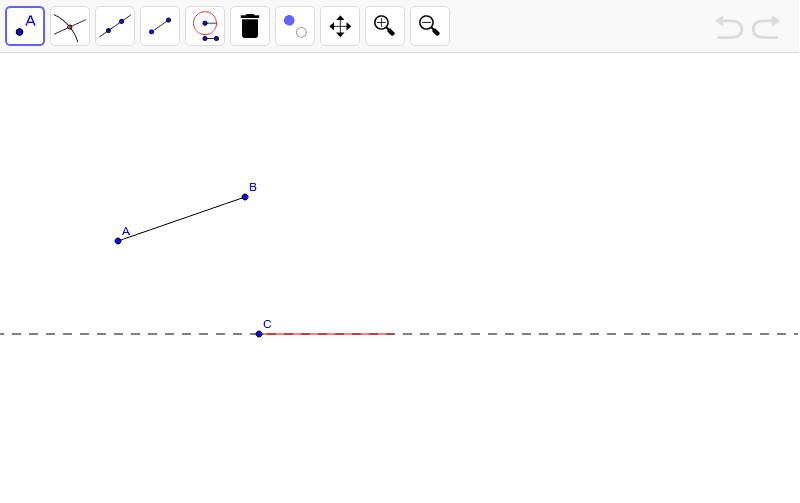
This example demonstrates how to replicate a line segment accurately using a straightedge and a modern compass. It involves core mathematical concepts such as line segments, circles, intersections, and geometric construction. Key GeoGebra commands used include Segment, Line, Circle, and Intersect, with objects like A, B, a, C, D, b, c, E, target, welldone, and text1. Suitable for middle school students and above learning geometric construction techniques or for educational demonstrations.
GeoGebra Commands & Parameters
Segment(A, B) → aLine(C, D) → bCircle(C, Segment[A, B]) → cIntersect(c, b, 2) → ESegment(C, E) → target
AI Drawing Prompt Reference
Draw a known line segment, then draw an auxiliary line. With a point on the auxiliary line as the center, draw a circle with the radius equal to the known line segment. Connect the intersection points of the circle and the auxiliary line to the center to form a new line segment equal in length to the original.
The prompt above was compiled from the original drawing commands and is for reference only.