
Cool Pyramid Design
Loading the math board and drawing, please wait…
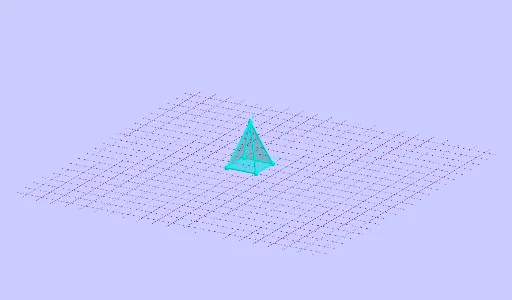
This example demonstrates how to construct a 3D pyramid model using GeoGebra, covering core concepts in solid geometry, angle measurement, and polygon construction. Key commands and objects from the construction summary include Angle, Pyramid, beta, A, B, C, D, E, a, faceABCD, faceABE, edgeAB, etc. It is suitable for high school students learning 3D geometry and math clubs.
GeoGebra Commands & Parameters
Angle(xAxis, xOyPlane) → βPyramid(A, B, C, D, E) → a, faceABCD, edgeAE, edgeBE, edgeCE, edgeDE, faceABE, faceBCE, faceCDE, faceADE, edgeAB, edgeBC, edgeCD, edgeAD
AI Drawing Prompt Reference
Draw a square pyramid with base ABCD and apex E. First, draw the base ABCD, then connect apex E to each vertex A, B, C, and D to form the pyramid's faces. Pay attention to measuring the angle β of the base.
The prompt above was compiled from the original drawing commands and is for reference only.