
Construction of Squares and Rhombi
Loading the math board and drawing, please wait…
In collections
Properties of Parallelograms
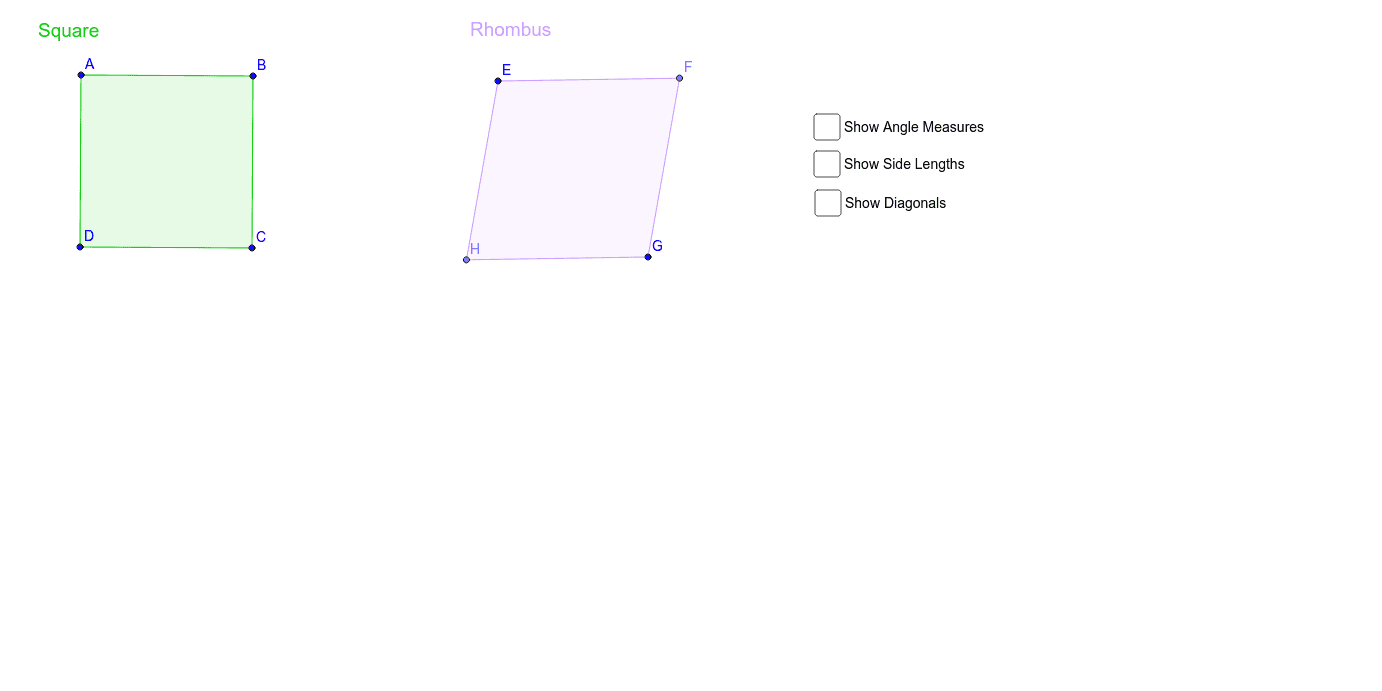
This example demonstrates how to construct squares and rhombi using GeoGebra. Key mathematical concepts include geometric construction, vectors, and transformations. Commands such as Line, Rotate, Vector, Translate are used to create these shapes. Suitable for middle school and above students to learn geometric construction and transformations.
GeoGebra Commands & Parameters
Line(A, B) → aRotate(B, -90*°, A) → DVector(A, D) → uTranslate(a, u) → a'OrthogonalLine(B, a') → bIntersect(a', b) → CPolygon(A, B, C, D) → poly1, a_1, b_1, c, b'Segment(E, G) → dLineBisector(d) → ePoint(e) → HLine(E, H) → fLine(G, H) → gMirror(H, d) → FPolygon(E, F, G, H) → poly2, e_1, g', f_1, g_1Angle(A, B, C) → αAngle(C, D, A) → βAngle(D, A, B) → γAngle(B, C, D) → δAngle(H, E, F) → εAngle(F, G, H) → ζAngle(G, H, E) → ηAngle(E, F, G) → θDistance(A, B) → distanceABMidpoint(A, B) →Distance(B, C) → distanceBCMidpoint(B, C) →Distance(C, D) → distanceCDMidpoint(C, D) →Distance(D, A) → distanceDAMidpoint(D, A) →Distance(E, F) → distanceEFMidpoint(E, F) →Distance(F, G) → distanceFGMidpoint(F, G) →Distance(G, H) → distanceGHMidpoint(G, H) →Distance(H, E) → distanceHEMidpoint(H, E) →Segment(A, C) → jSegment(B, D) → kSegment(F, H) → lIntersect(j, k) → IIntersect(d, l) → JDistance(A, I) → distanceAIMidpoint(A, I) →Distance(B, I) → distanceBIMidpoint(B, I) →Distance(C, I) → distanceCIMidpoint(C, I) →Distance(D, I) → distanceDIMidpoint(D, I) →Distance(E, J) → distanceEJMidpoint(E, J) →Distance(F, J) → distanceFJMidpoint(F, J) →Distance(G, J) → distanceGJMidpoint(G, J) →Distance(H, J) → distanceHJMidpoint(H, J) →Angle(A, I, D) → ιAngle(E, J, H) → κ
AI Drawing Prompt Reference
Draw a square and a rhombus to demonstrate their geometric construction using line segments and vectors. Start by drawing a line segment, then rotate it 90 degrees around one endpoint to get a second line segment. Represent the direction between these two segments as a vector. Next, translate the first line segment along this vector to obtain the second line segment. Draw a line perpendicular to the translated segment, find the intersection points with the original and translated segments, and connect these points to form the square. For the rhombus, draw a line segment, locate its midpoint, draw a perpendicular bisector, find a point on this bisector, and connect this point to the endpoints of the segment to form the rhombus.
The prompt above was compiled from the original drawing commands and is for reference only.