
Constructing an Angle Bisector
Loading the math board and drawing, please wait…
In collections
Basic Constructions
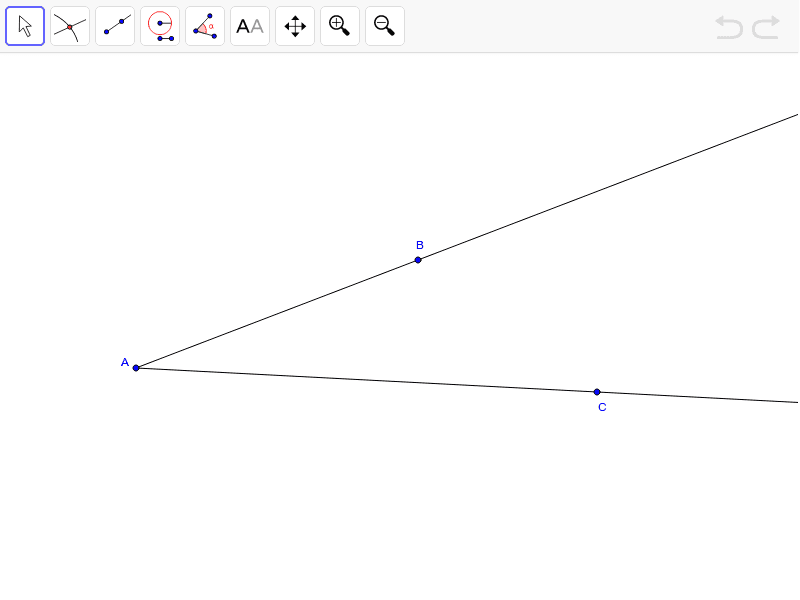
This example demonstrates how to construct an angle bisector using GeoGebra. The core mathematical concepts involved include angles, line segments, and geometric construction. Key construction steps involve using the Ray command to create rays and objects A, B, a, C, b to define the angle's sides and the bisector point. Suitable for middle school and above students to learn and practice geometric construction skills.
GeoGebra Commands & Parameters
Ray(A, B) → aRay(A, C) → b
AI Drawing Prompt Reference
Draw a diagram showing the construction of an angle bisector. Start with a common vertex, from which two rays extend in different directions to form the angle. Then, draw a ray from the same vertex inside the angle that divides it into two equal smaller angles. This ray is the angle bisector. The figure should clearly show the vertex, the two sides of the angle, and the bisector, with the relationship between them visually evident. Keep the construction simple and focused on the geometric steps and result.
The prompt above was compiled from the original drawing commands and is for reference only.