
Construct the Center of a Given Circle (Construction 10)
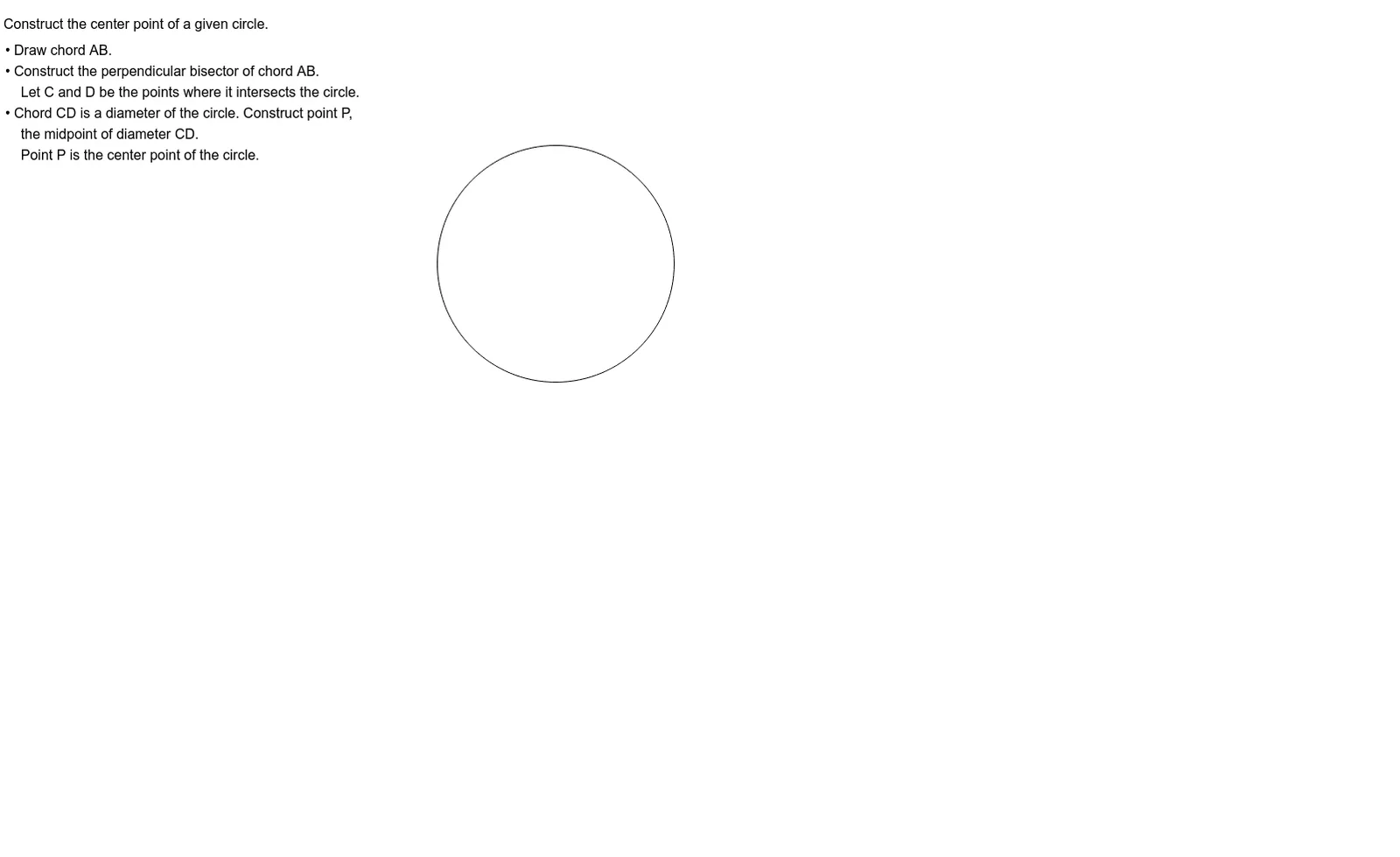
Loading the math board and drawing, please wait…
In collections
Integrated Math Constructions
This example demonstrates how to construct the center point of a given circle using only compass and straightedge techniques, implemented in GeoGebra. The core mathematical concept is the geometric property that the center of a circle is the intersection of the perpendicular bisectors of any two chords. The construction uses the Circle command to define the given circle c, and creates auxiliary points A, P_1, C_1, C, D, P along with text objects text1 and text2 to support drawing chords and their perpendicular bisectors, whose intersection yields the center. This is suitable for middle school or high school geometry lessons, helping students understand circle symmetry and fundamental geometric constructions, and can be used as an interactive dynamic demonstration to visualize the step-by-step process.
GeoGebra Commands & Parameters
Circle(C, D) → c
AI Drawing Prompt Reference
Draw a given circle)Skip. Then construct its center by selecting two arbitrary points on the circle and drawing a chord between them. Construct the perpendicular bisector of this chord. Repeat with another chord. The intersection of the two perpendicular bisectors is the center. Mark this center point clearly, and keep the chords and bisectors visible to show the construction steps.
The prompt above was compiled from the original drawing commands and is for reference only.