
Construct Square Inscribed in a Circle
Loading the math board and drawing, please wait…
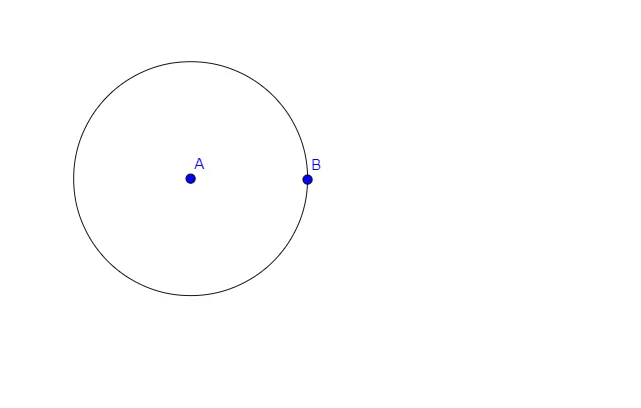
This example demonstrates how to construct a square inscribed in a circle using GeoGebra. It involves core mathematical concepts such as circles, regular polygons, and geometric constructions. Key GeoGebra commands used include Circle, and objects like points E, A, B, and c are utilized for precise point placement and square drawing. Suitable for middle school students and above for learning geometric construction techniques and for mathematical teaching demonstrations.
GeoGebra Commands & Parameters
Circle(A, Segment[A, B]) → c
AI Drawing Prompt Reference
Draw a square inscribed in a circle. The center of the circle is the center of the square, and the four vertices of the square lie on the circle. The square has four equal sides and right angles. Construct by drawing a circle first, then finding four points on the circle as the square's vertices, and connecting them to form the square.
The prompt above was compiled from the original drawing commands and is for reference only.