
Construct a Midpoint
Loading the math board and drawing, please wait…
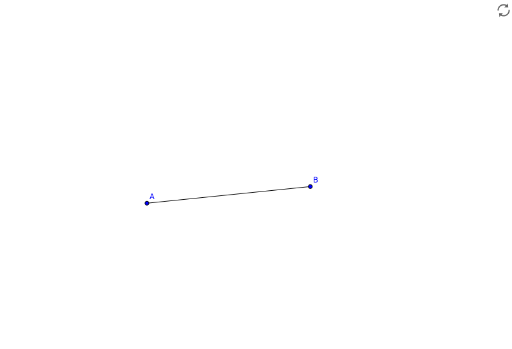
This example demonstrates how to construct the midpoint of a line segment using GeoGebra's geometric construction tools. The core mathematical concept is the definition of a midpoint—the point equidistant from both endpoints—and the fundamental idea of compass-and-straightedge construction. Construction steps: use the Segment command to create segment AB, involving points A, B, and segment a; then determine the midpoint using the midpoint tool or by constructing the perpendicular bisector. This example is suitable for middle school geometry lessons, helping students understand the midpoint concept and master basic GeoGebra operations, and can also serve as a foundation for studying perpendicular bisectors and symmetry.
GeoGebra Commands & Parameters
Segment(A, B) → a
AI Drawing Prompt Reference
Draw a horizontal line segment with two endpoints. Mark a point exactly at the middle of the segment, equidistant from both ends. Use dashed or auxiliary lines to connect the midpoint to the endpoints, emphasizing that it divides the segment into two equal parts. Keep the composition simple, highlighting the geometric concept of a midpoint for instructional purposes.
The prompt above was compiled from the original drawing commands and is for reference only.