
Compute Perimeter and Area of Rectangle
Loading the math board and drawing, please wait…
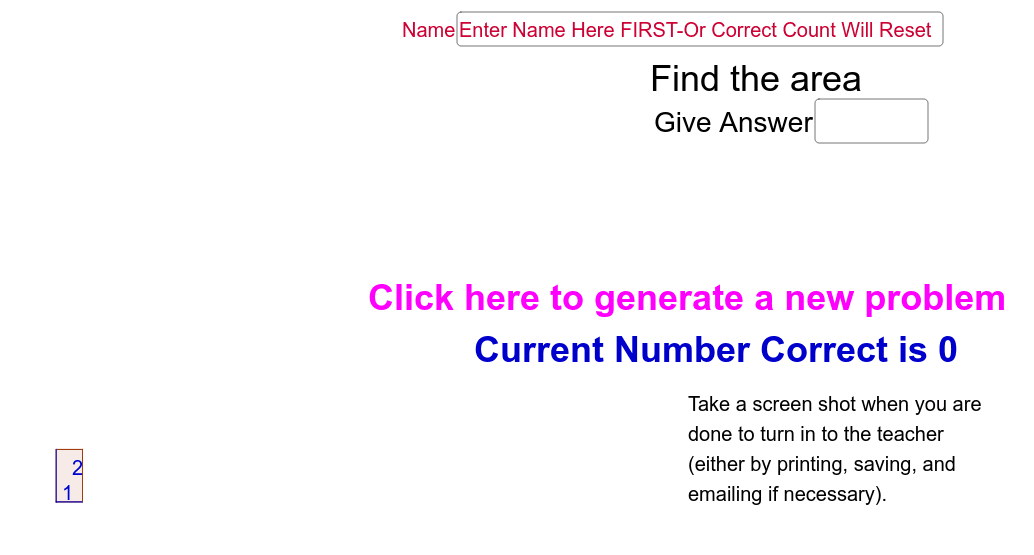
This example demonstrates how to compute the perimeter and area of a rectangle using GeoGebra. It involves core mathematical concepts such as the properties of geometric shapes and the formulas for perimeter and area. Key GeoGebra commands and objects used include Random, FractionText, Textfield, Element, RandomElement, If, Polygon, and Segment. Suitable for middle school students and above, it can be used for geometric constructions and teaching mathematical concepts.
GeoGebra Commands & Parameters
Random(2, 9) → aden1Random(1, 2) → opselRandom(2, 9) → bden1Random(1, bden1 - 1) → bnum1Random(1, aden1 - 1) → anum1Random(1, 20) → bRandom(1, 20) → aFractionText(a) → adisFractionText(b) → bdisTextfield(ans) → inputBox1Element({(a * b), (2 * a) + (2 * b)}, opsel) → cansRandomElement({"Good Job", "Great!", "Way to Go!"}) → text5RandomElement({"Not Quite", "Try Again"}) → eresIf(acor, 1, 0) → adderElement(oplist, opsel) → opTextfield(nm) → NamePolygon((0, 0), (a, 0), (a, b), (0, b), (0, 0)) → poly1, c, e, f, g, hSegment((0, 0), (a, 0)) → iSegment((0, 0), (0, b)) → j
AI Drawing Prompt Reference
Draw a rectangle with randomly generated length and width, calculate its perimeter and area, display the results and evaluations with text, include a slider to control randomness.
The prompt above was compiled from the original drawing commands and is for reference only.