
Composition of Transformations (with Dilation)
Loading the math board and drawing, please wait…
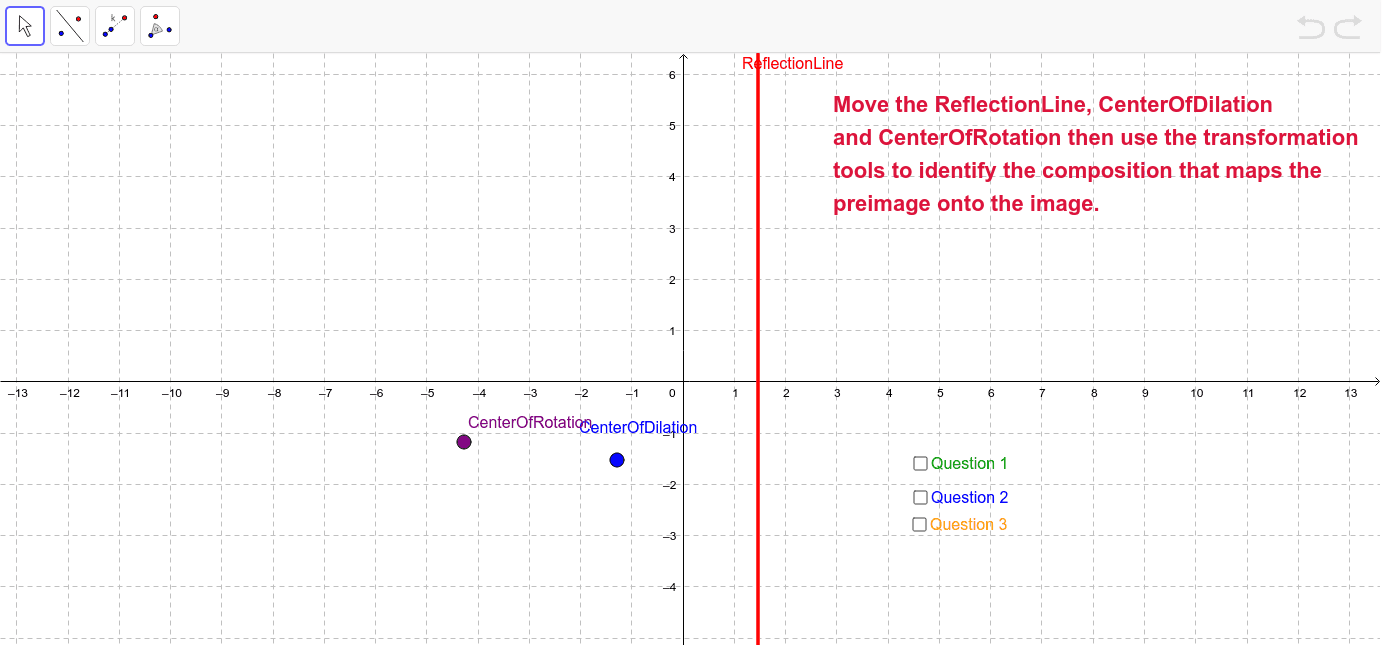
This example demonstrates the composition of transformations, including reflection, rotation, and dilation. Using GeoGebra commands such as Intersect, Mirror, Dilate, and Rotate, students can visually understand the combined effects of these transformations. Suitable for middle school and above students learning geometric transformations.
GeoGebra Commands & Parameters
Intersect(xAxis, yAxis) → IPoint(yAxis) → KPolygon(L, M, N) → poly1, n, l, mPolygon(O, P, Q, R, S) → poly2, o, p, q, r, s_1Intersect(b, xAxis) → BMirror(L, b) → L'Mirror(M, b) → M'Mirror(N, b) → N'Polygon(L', M', N') → poly1', n', l', m'Dilate(L', 0.5, B) → L''Dilate(M', 0.5, B) → M''Dilate(N', 0.5, B) → N''Polygon(L'', M'', N'') → poly1'', n'', l'', m''Mirror(O, c) → O'Mirror(P, c) → P'Mirror(Q, c) → Q'Mirror(R, c) → R'Mirror(S, c) → S'Polygon(O', P', Q', R', S') → poly2', o', p', q', r', s'Dilate(O', 2, I) → O''Dilate(P', 2, I) → P''Dilate(Q', 2, I) → Q''Dilate(R', 2, I) → R''Dilate(S', 2, I) → S''Polygon(O'', P'', Q'', R'', S'') → poly2'', o'', p'', q'', r'', s''Polygon(D, E, G) → poly3, g, d_1, eRotate(D, 90*°, B) → D'Rotate(E, 90*°, B) → E'Rotate(G, 90*°, B) → G'Polygon(D', E', G') → poly3', g', d', e'Dilate(D', 0.3333333333333333, B) → D''Dilate(E', 0.3333333333333333, B) → E''Dilate(G', 0.3333333333333333, B) → G''Polygon(D'', E'', G'') → poly3'', g'', d'', e''
AI Drawing Prompt Reference
Create a geometric transformation composition involving reflection, rotation, and dilation. Start by drawing a triangle on the coordinate axes, then reflect, rotate, and dilate each vertex to form a second triangle. Next, reflect and dilate the vertices of the second triangle to create a third triangle. Finally, connect all the triangles to form polygons.
The prompt above was compiled from the original drawing commands and is for reference only.