
Complex Numbers Multiplication
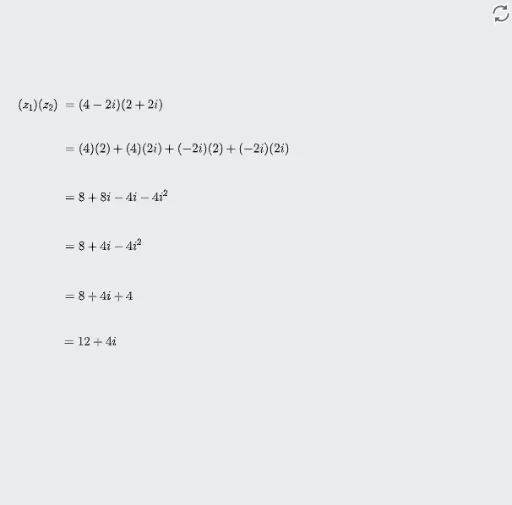
Loading the math board and drawing, please wait…
This example demonstrates complex number multiplication on the complex plane interactively. It involves core math concepts like the geometric interpretation of complex numbers, the change in modulus and argument under multiplication, rotation, and scaling. Constructed using GeoGebra commands/objects such as ComplexVector, ComplexMultiplication, Point, If, suitable for high school students or teachers to understand the geometric representation of complex multiplication.
GeoGebra Commands & Parameters
ComplexVector(z_2) → uComplexVector(z_1) → vComplexMultiplication(z_1, z_2) → AComplexVector(A) → wPoint(xAxis) → CIf(iv < 0, "", "+") → sign1If(ui < 0, "", "+") → sign2If(b < 0, "", "+") → sign3If(c < 0, "", "+") → sign4If(d < 0, "", "+") → sign5If(e < 0, "", "+") → sign6If(f < 0, "", "+") → sign7
AI Drawing Prompt Reference
Draw two complex numbers as vectors on the complex plane and show their product. First, plot the vectors corresponding to the two complex numbers, then calculate their product and draw the vector of the product. Label the origin, real axis, and imaginary axis, and add plus or minus signs based on the signs of the projections of the vectors on each axis. Finally, use the graph to demonstrate the geometric meaning of complex number multiplication, including the change in modulus and the rotation of the argument.
The prompt above was compiled from the original drawing commands and is for reference only.