
Completing the Square (Part 5): Geometric Square Completion for Quadratics
Loading the math board and drawing, please wait…
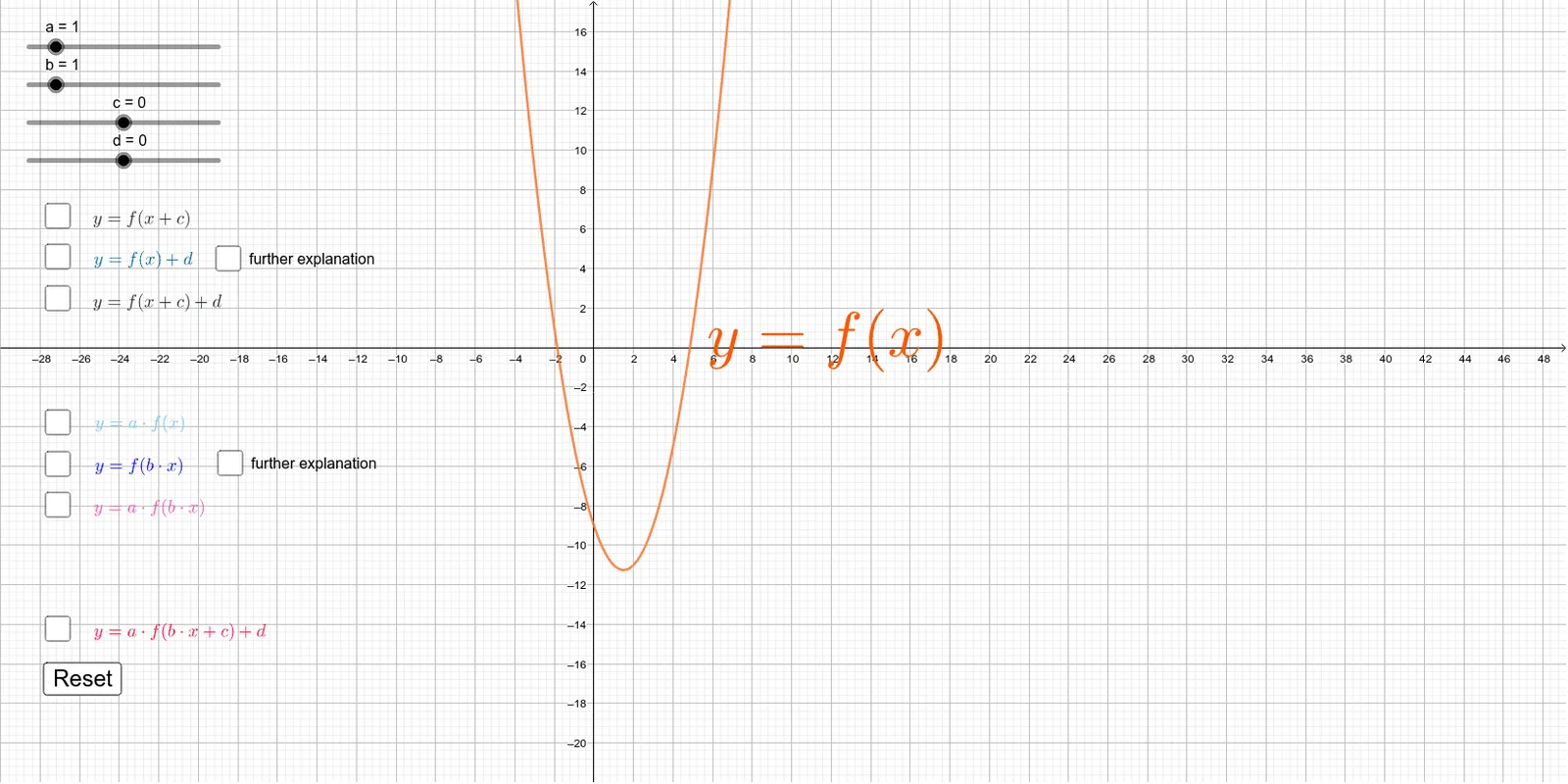
This example demonstrates how to complete the square for a quadratic expression, rewriting it into a square term plus a constant, and linking the algebraic equivalence to visible geometric relationships. Key concepts include completing the square, the structure of quadratic functions, and geometric interpretations that may connect to tangent-line behavior and similarity of triangles (with ratio/proportional reasoning). In some configurations it can also support understanding of related rational-number structures and extend toward topics such as optimization or calculus when the graphical setup is tied to slope/area or extremum reasoning. Construction-wise, it is organized around GeoGebra commands and interactive objects: it uses Point and Vector to define and manipulate key points and directions (e.g., A, B, C and multiple parameter/guide points), while extensive text labels (text1–text8) annotate the steps. It also includes interactive controls such as button1 and additional parameters (e, p, h, q, i, r, etc.) to drive the demonstration. Suitable for advanced middle school through early university, especially for teaching quadratics, function transformations, and geometric intuition behind algebraic manipulations.
GeoGebra Commands & Parameters
Point(f) → DVector(D, D - (c, 0)) → vVector(D, D + (0, d)) → wVector(D, D + ((-c), d)) → nVector((x(D), 0), D) → u_1Vector(D, (0, y(D))) → u_3Vector((x(D), (a * y(D))), (0, (a * y(D)))) → u_4Vector((0, y(D)), D) → v_1Vector((x(D), 0), (x(D), (a * y(D)))) → u_2Vector(D, (x(D), 0)) → v_3Vector((0, y(D)), (x(D) / b, y(D))) → v_2Vector((x(D) / b, y(D)), (x(D) / b, 0)) → v_4
AI Drawing Prompt Reference
Draw a geometric square completion for a quadratic function. Start by selecting a point D on the function f, then draw horizontal and vertical vectors v and w from D. Next, draw a slanted vector n from D, followed by horizontal vectors u1 and u3. Then, draw a slanted vector u4 from D, and finally, draw vertical vectors v1 and v3 from D. Lastly, draw horizontal vectors v2 and v4 from D.
The prompt above was compiled from the original drawing commands and is for reference only.