
Completing the Square (Part 3): A Geometric View
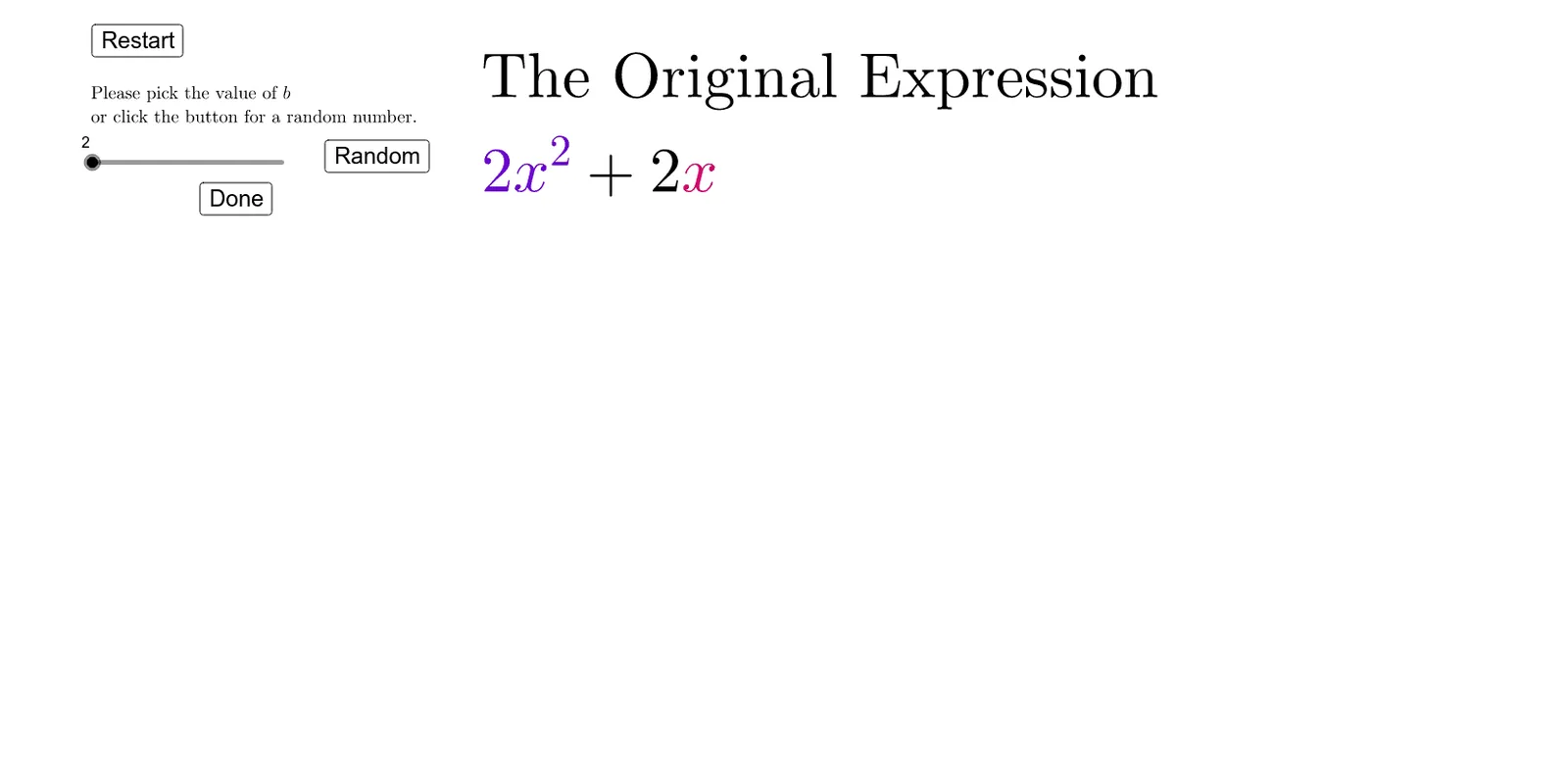
This example demonstrates, in a step-by-step geometric way, how completing the square rewrites a quadratic expression into a perfect-square form and how the corresponding graph structure changes under translation. It focuses on the key ideas of completing the square, converting a quadratic function to vertex (top) form, and interpreting linear/constant terms through geometric construction. Construction-wise, it leverages GeoGebra commands and objects shown in the summary: Polygon to build the main geometric pieces used for the visual “rearrangement”; Sequence together with Segment to create adjustable segmented elements and boundary lines; Textfield/Text to label parameters and intermediate steps; inputBox1 to drive parameters and computed helper quantities; add to maintain/update constructed relationships; and multiple buttons/step controls (button1~button7, step) to guide the incremental completion process. Suitable for middle/high school students learning quadratic functions and algebra-to-geometry connections, and ideal for classroom demonstrations or self-study visualization.
Loading the math board and drawing, please wait…