
Completing the Square and Complex Solutions: Construction Practice
Loading the math board and drawing, please wait…
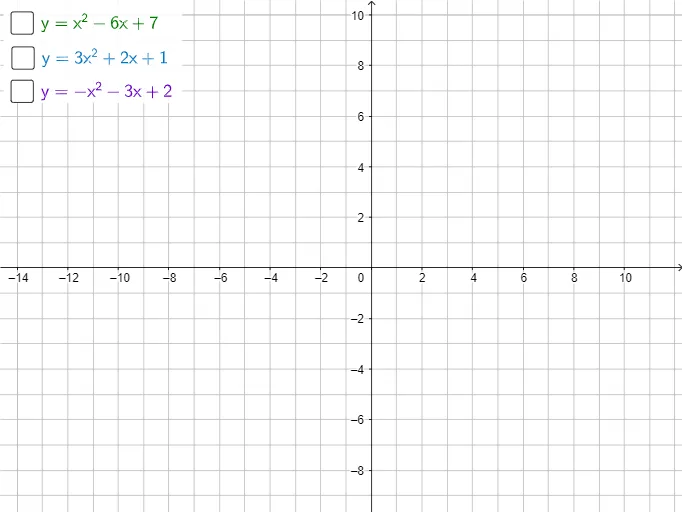
This GeoGebra example demonstrates how completing the square can rewrite a quadratic expression into a form that reveals the solution structure, including the transition from real roots to complex solutions. The key ideas are completing the square, the discriminant (root nature), and the geometric interpretation that connects algebraic rewriting with corresponding loci/relations. Construction-wise, it leverages GeoGebra’s polygon-based geometric scaffolding (Polygon command) to build the visual framework and uses the involved objects f, g, h together with points/labels a, b, c, A, B, C, D, and q1 to define the necessary geometry that supports the completion-of-the-square visualization. Suitable for advanced secondary students and early university learners studying quadratic equations, analytic geometry, and the conceptual entry into complex-number solutions through visualization.
GeoGebra Commands & Parameters
Polygon({A, B, C, D}) → q1
AI Drawing Prompt Reference
Draw a quadrilateral with four points A, B, C, and D to illustrate the process of rewriting a quadratic expression by completing the square, revealing the structure of real and complex roots. Start by constructing a quadrilateral q1 with these four points, then adjust their positions to demonstrate the transition from real roots to complex roots in a quadratic equation.
The prompt above was compiled from the original drawing commands and is for reference only.