
Comparing Small Numbers: Visual Random Comparison
Loading the math board and drawing, please wait…
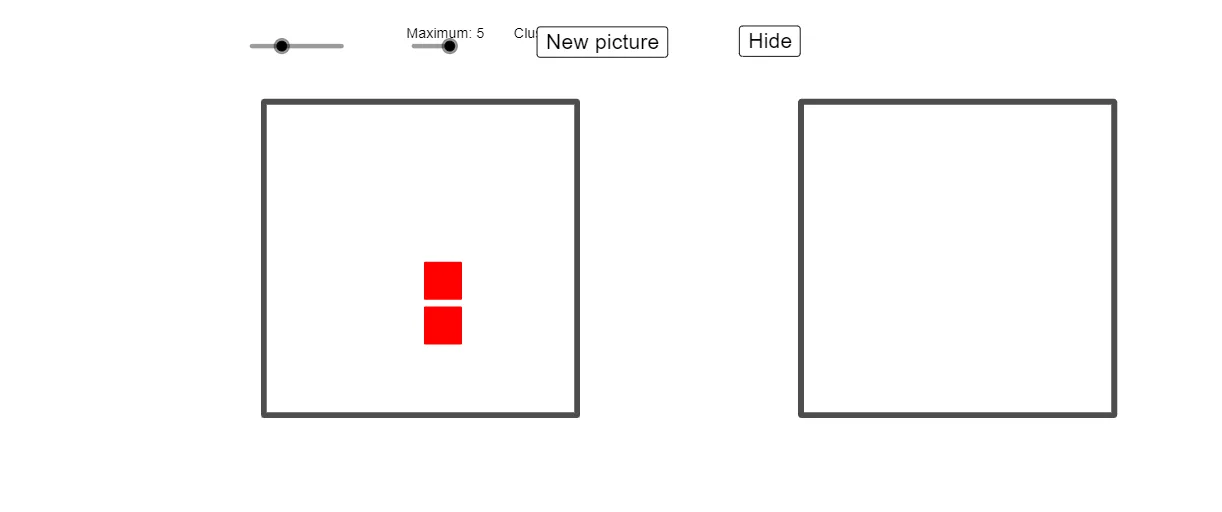
This GeoGebra example demonstrates comparing two small decimal numbers through a visual, interactive interface. It randomly generates decimal values and represents them graphically, allowing users to see which number is larger. Core mathematical concepts include number comparison, decimal magnitude, and number sense. The construction uses commands such as RandomElement, Zip, First, Random to generate random values, and Polygon, Circle, and slider objects (maxSlider) to control the range and display. Buttons (button1-3) switch between random and clustered modes. Suitable for upper elementary to middle school students, this tool aids in understanding decimal comparison rules and supports teachers in classroom demonstrations, fostering visual and intuitive learning of number relationships.
GeoGebra Commands & Parameters
Flatten(Sequence[Sequence[Point[{i, j}], i, 0, gridSize - 1], j, 0, gridSize - 1]) → leftBackgroundFlatten(Sequence[Sequence[Point[{i, j}], i, (2 * gridSize), (3 * gridSize) - 1], j, 0, gridSize - 1]) → rightBackgroundElement({3, 5, 10, 20}, maxSlider) → maxNumberRandomElement(leftBackground) → leftStarterZip(Distance[AA, leftStarter], AA, leftBackground) → leftDistancesFirst(Sort[leftBackground, leftDistances], Element[{5, 9, 13, 25}, maxSlider]) → leftPossibleRandom(0, maxNumber) → leftSizeFirst(If[randomOrClustered ≟ 0, Shuffle[leftBackground], leftPossible], leftSize) → leftUsingZip(Polygon[AA + (-0.4, -0.4), AA + (0.4, -0.4), 4], AA, leftUsing) → leftSquaresZip(Circle[AA, 0.4], AA, leftUsing) → leftCirclesRandomElement(rightBackground) → rightStarterRandom(0, maxNumber) → rightSizeZip(Distance[AA, rightStarter], AA, rightBackground) → rightDistancesFirst(Sort[rightBackground, rightDistances], Element[{5, 9, 13, 25}, maxSlider]) → rightPossibleFirst(If[randomOrClustered ≟ 0, Shuffle[rightBackground], rightPossible], rightSize) → rightUsingZip(Polygon[AA + (-0.4, -0.4), AA + (0.4, -0.4), 4], AA, rightUsing) → rightSquaresRandomElement({{1, 0, 0}, {1, 1, 0}, {0, 0, 1}, {0, 0.8, 0}, {1, 0.68, 0}}) → color, {1, 0, 0}Zip(Circle[AA, 0.4], AA, rightUsing) → rightCirclesRandomElement({"circles", "squares"}) → circlesOrSquaresPolygon((-1, -1), (gridSize, -1), 4) → leftBorderPolygon(((2 * gridSize) - 1, -1), ((3 * gridSize), -1), 4) → rightBorder
AI Drawing Prompt Reference
Draw two background areas, one from 0 to gridSize-1 and the other from 2*gridSize to 3*gridSize-1. Randomly select a point as the starting point in the left background and generate squares and circles of size leftSize. Do the same for the right background. Finally, use the value of maxSlider to decide whether to use random or clustered mode to generate the shapes.
The prompt above was compiled from the original drawing commands and is for reference only.