
Clover Construction
Loading the math board and drawing, please wait…
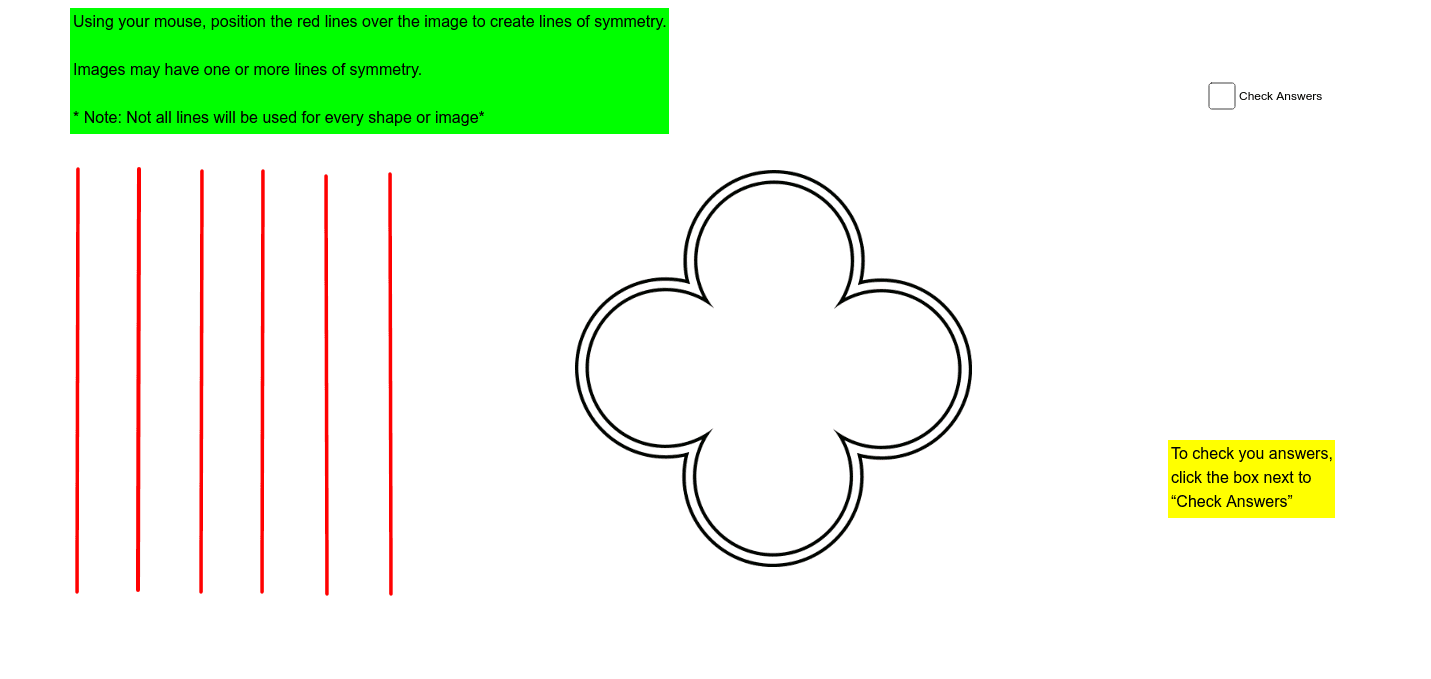
This example demonstrates the construction of a complex polygon resembling a clover using GeoGebra, involving core mathematical concepts like polygon creation, matrix operations, indefinite integral calculations, and special point identification. Key GeoGebra commands and objects used in the construction include Segment and various points (A, B, C, ..., V) as outlined in the construction summary. It is suitable for high school and above students to understand the application of geometric construction, matrix operations, and integral concepts in graphical design.
GeoGebra Commands & Parameters
Segment(C, D) → aSegment(E, F) → cSegment(G, H) → dSegment(I, J) → eSegment(K, L) → fSegment(M, N) → gSegment(O, P) → hSegment(Q, R) → iSegment(S, T) → jSegment(U, V) → k
AI Drawing Prompt Reference
Draw a complex clover-like polygon by connecting multiple pairs of points to form segments sequentially, linking C to D, E to F, G to H, I to J, K to L, M to N, O to P, Q to R, S to T, and U to V, to illustrate the process of polygon construction and the application of matrix operations in geometric design.
The prompt above was compiled from the original drawing commands and is for reference only.