
Black and White Flower
Loading the math board and drawing, please wait…
In collections
Lines of Symmetry in Two-Dimensional Shapes and Images
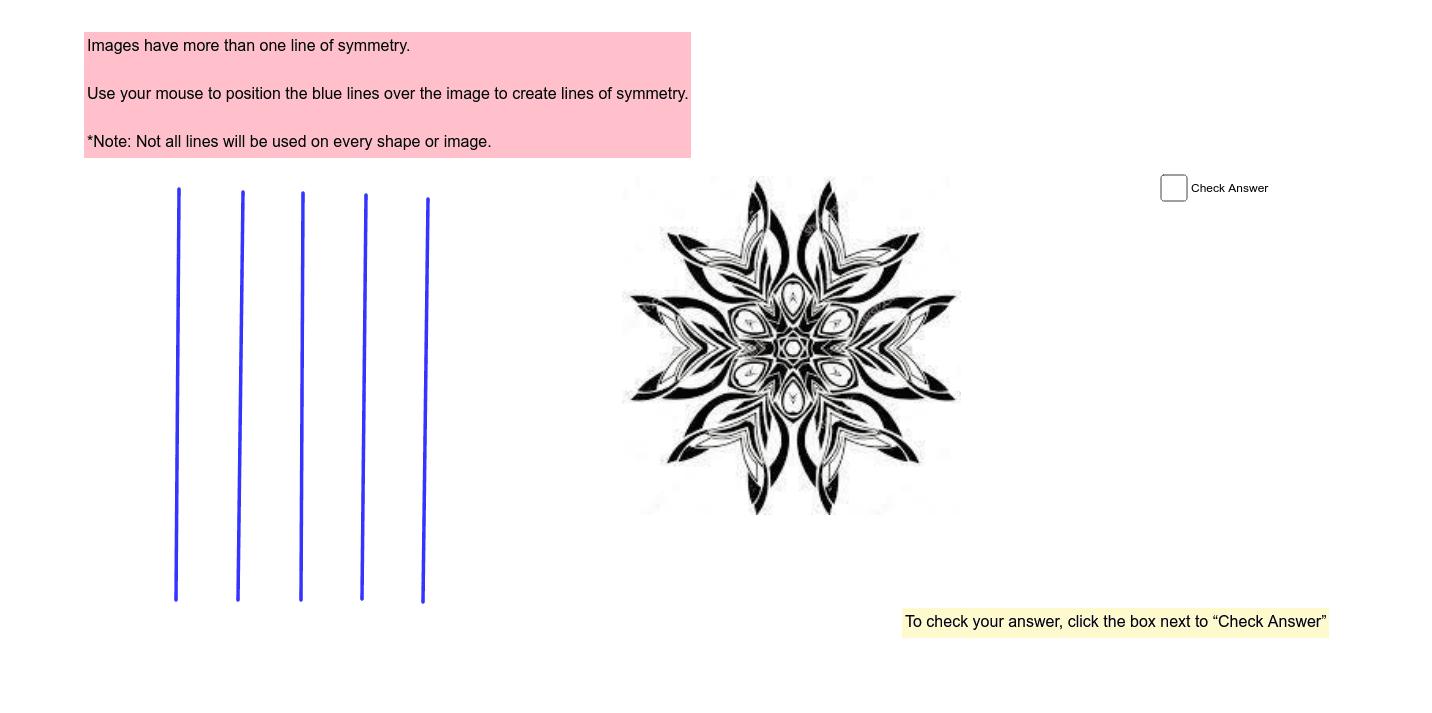
This example demonstrates how to draw a black and white flower using GeoGebra. It involves concepts of symmetry and random experiments. By using the Segment command, various parts of the flower can be constructed. Suitable for middle school and above students to learn geometric construction and symmetry.
GeoGebra Commands & Parameters
Segment(C, D) → aSegment(G, H) → bSegment(I, J) → cSegment(K, L) → dSegment(N, M) → eSegment(O, P) → fSegment(Q, R) → gSegment(S, T) → hSegment(U, V) → iSegment(W, Z) → jSegment(A_1, B_1) → k