
Classic Optimization of Cylinder Packaging
Loading the math board and drawing, please wait…
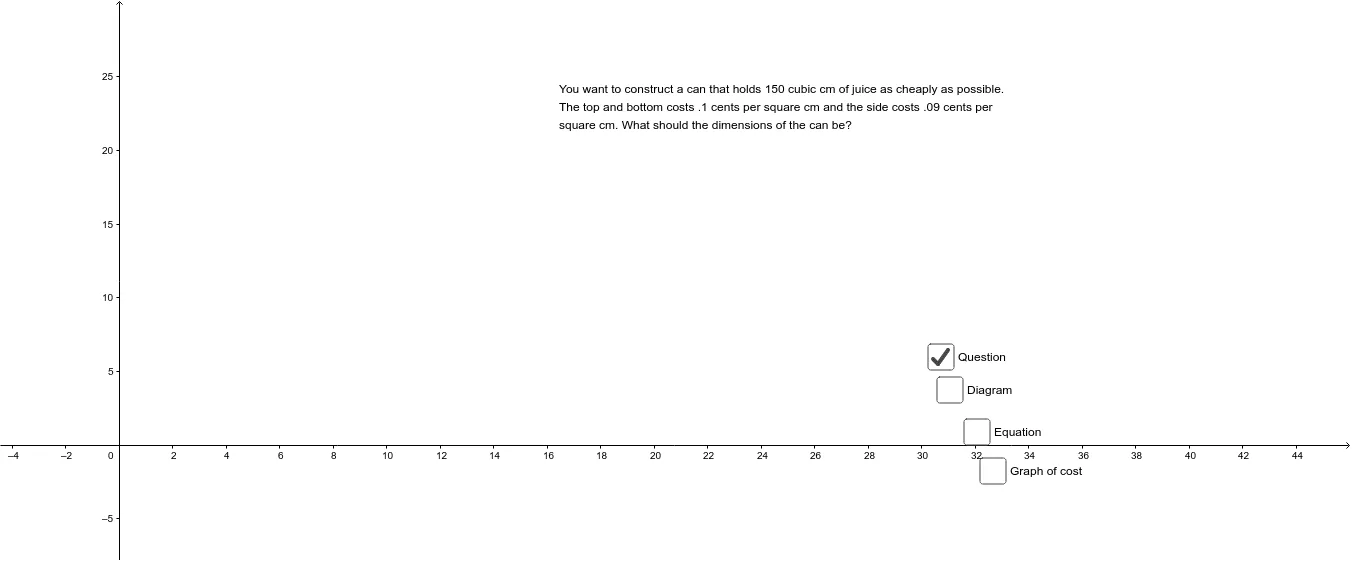
This example demonstrates the classic optimization problem of cylinder packaging. Key mathematical concepts include the calculation of the volume and surface area of a cylinder, and solving for the maximum or minimum values using calculus. The construction involves commands such as Intersect, OrthogonalLine, and Polygon, as listed in the construction summary. Suitable for high school mathematics education and learning.
GeoGebra Commands & Parameters
Intersect(xAxis, yAxis) → AOrthogonalLine(P, a) → cOrthogonalLine(P, b) → dIntersect(b, d) → BIntersect(a, c) → CPolygon(B, P, C, A) → poly1, b_1, p, c_1, a_1Midpoint(b_1) → ECircle(O, E) → eArea(e) → areaeMidpoint(c_1) → FCircle(Q, F) → fArea(f) → areafSegment(O, E) → gPolygon(B, A, C, P) → q1, b_2, a_2, c_2, p_1
AI Drawing Prompt Reference
Draw a classic cylinder packaging optimization diagram. Start by marking the intersection point A of the x-axis and y-axis. Then draw perpendicular lines from point P to both axes, obtaining lines c and d, and find their intersection point B. Connect B with the intersection point C of the perpendicular lines b and d to form a quadrilateral. Next, draw the diagonals of the quadrilateral to form a pentagon. Find the midpoints E and F of the diagonals, and draw circles e and f with O and Q as centers and E and F as radii, respectively, calculating their areas areae and areaf. Finally, draw a line segment g from O to E and form a closed pentagon q1.
The prompt above was compiled from the original drawing commands and is for reference only.