
Circular Motion Demonstration
Loading the math board and drawing, please wait…
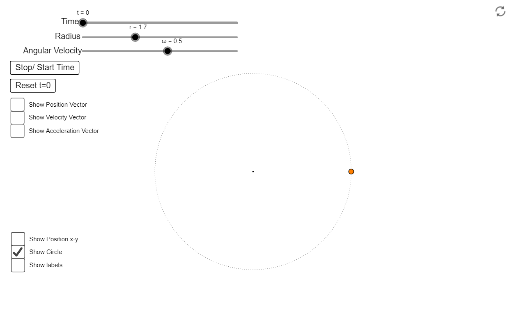
This example demonstrates vectors involved in circular motion using sliders and buttons. It covers concepts such as circle, rotation, and vectors. GeoGebra commands used include Intersect, Vector, Point, Angle, Circle, Translate, Segment, and Midpoint. Suitable for high school physics and mathematics education.
GeoGebra Commands & Parameters
Intersect(xAxis, yAxis) → AVector(A, C) → uPoint(xAxis) → DAngle(D, A, C) → αCircle(A, C) → cVector(A, E) → vTranslate(C, v) → C'Vector(C, C') → wVector(A, F) → dTranslate(C, d) → C'_1Vector(C, C'_1) → eSegment(C, G) → hSegment(A, G) → iMidpoint(A, C) → HPoint(xAxis) → IAngle(I, A, C) → θ
AI Drawing Prompt Reference
Draw a circle with center A and passing through point C. Draw vector u from A to C. Take point D on the x-axis and measure angle ADC as α. Draw circle c with diameter AC. Draw vector v from A to E and translate point C by v to get C'. Draw vector w from C to C'. Draw vector d from A to F and translate point C by d to get C'_1. Draw vector e from C to C'_1. Draw line segments h from C to G and i from A to G. Find the midpoint H of A and C. Take point I on the x-axis and measure angle IAC as θ.
The prompt above was compiled from the original drawing commands and is for reference only.