
Circle Symmetry
Loading the math board and drawing, please wait…
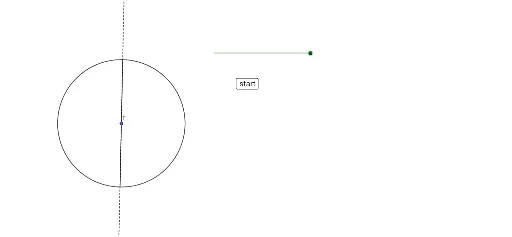
This example demonstrates the symmetry of a circle by using rotation and reflection to show symmetry axes and centers. Core math concepts include symmetry, rotation, angle, vector, intersection, segment, and geometric transformation. Constructed using GeoGebra commands like Rotate, Angle, Circle, Ray, Intersect, Segment, and Line. Suitable for high school mathematics teaching to understand geometric transformations and symmetry applications in circles.
GeoGebra Commands & Parameters
Rotate(D, β, F) → D'Angle(D, F, D') → γCircle(F, D) → cRay(D', F) → fIntersect(c, f, 2) → ASegment(D', A) → gLine(A, D') → h
AI Drawing Prompt Reference
Draw a circle with a fixed center and a point on the circle. Rotate that point around the center by a given angle to get a new point. Draw a ray from the center through the rotated point, intersecting the circle at another point. Connect the rotated point and this intersection with a segment, and draw a line through both. Also mark the angle formed by the original point, center, and rotated point. This illustrates the rotational symmetry of the circle, showing symmetry axes and center through rotation and reflection.
The prompt above was compiled from the original drawing commands and is for reference only.