
Circle Size Control: Radius-Driven Circumference and Area
Loading the math board and drawing, please wait…
In collections
学习 GeoGebra 经典应用
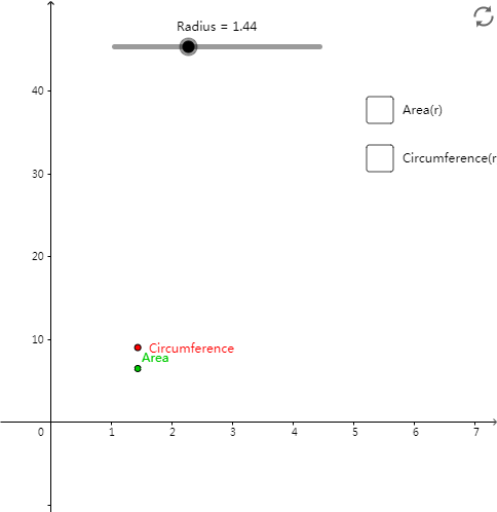
This example demonstrates how changing a circle’s radius controls the overall “size” of the circle and updates related measurements such as circumference and area. It centers on key geometry concepts: radius, circumference, and area, highlighting their functional dependence on the radius through GeoGebra’s measurement outputs. Construction-wise, it uses GeoGebra commands to (1) create a circle via 『Circle』 from a center point and a radius, (2) define the needed controlling points with 『Point』, and (3) build radius-related segments using 『Segment』 so the radius object (e.g., r/Radius) stays linked to the geometry. The circle’s 『Circumference』 and 『Area』 are then displayed as dynamically updated objects. Suitable for middle and high school geometry lessons and for introducing parameter-driven visualization of geometric quantities.
GeoGebra Commands & Parameters
Circle(A_1, Radius) → cPoint(c) → BSegment(A_1, B) → r
AI Drawing Prompt Reference
Please draw a circle with a center point, where the radius controls the size of the circle. Draw a control point connected to the center point, and use a line segment to represent the radius. The circumference and area of the circle are dynamically updated. Key objects include the circle, center point, radius, control point, radius line segment, circumference, and area. The relationships are that the radius controls the size of the circle, the control point is connected to the center point, the radius line segment represents the radius, and the circumference and area change with the radius. The construction order is to draw the circle first, then define the control point, then build the radius line segment, and finally display the circumference and area.
The prompt above was compiled from the original drawing commands and is for reference only.