
Circle Perimeter
Loading the math board and drawing, please wait…
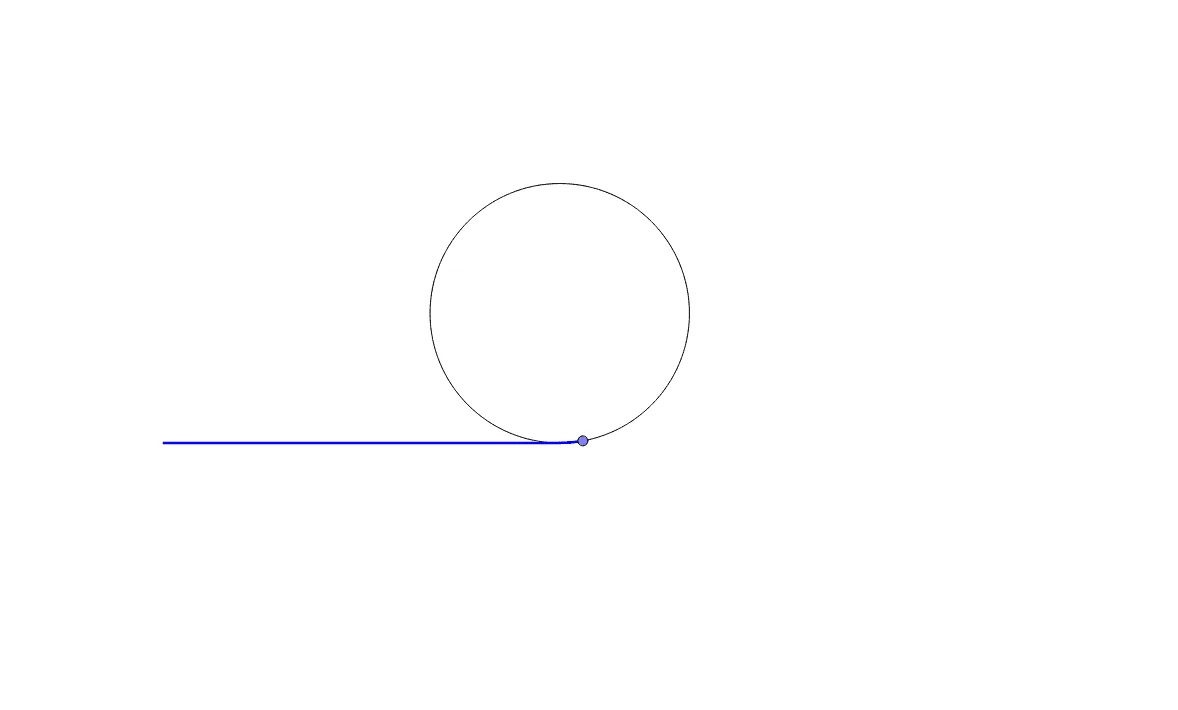
This example demonstrates how to draw a circle and calculate its perimeter using GeoGebra. Core math concepts include circle, perimeter, tangent function, rotation, linear regression, exponential functions, and linear equations. Construction highlights involve commands/objects like Point, Segment, Circle, Rotate, Intersect, and CircleArc. Suitable for high school mathematics teaching or self-learning to understand basic circle properties and calculation methods.
GeoGebra Commands & Parameters
Point(yAxis) → APoint(Circle[A, (2 * π)]) → BSegment(A, B) → fPoint(f) → CCircle(C, 2) → cPoint(c) → DRotate(D, (-a), C) → D'Intersect(xAxis, yAxis) → ESegment(E, D) → gCircleArc(C, D, D') → d
AI Drawing Prompt Reference
Draw a circle centered on the y-axis with radius 2π. Connect the center to a point on the circle to form a line segment. Construct an equilateral triangle using this segment as one side. Rotate one vertex of the triangle around the midpoint of the segment by -a degrees to get a new vertex. Connect this new vertex to the original vertex, and find the intersection with the y-axis. Draw an arc from the center of the circle through the intersection point to the point on the circle.
The prompt above was compiled from the original drawing commands and is for reference only.