
Circle Circumference Formula Visualization
Loading the math board and drawing, please wait…
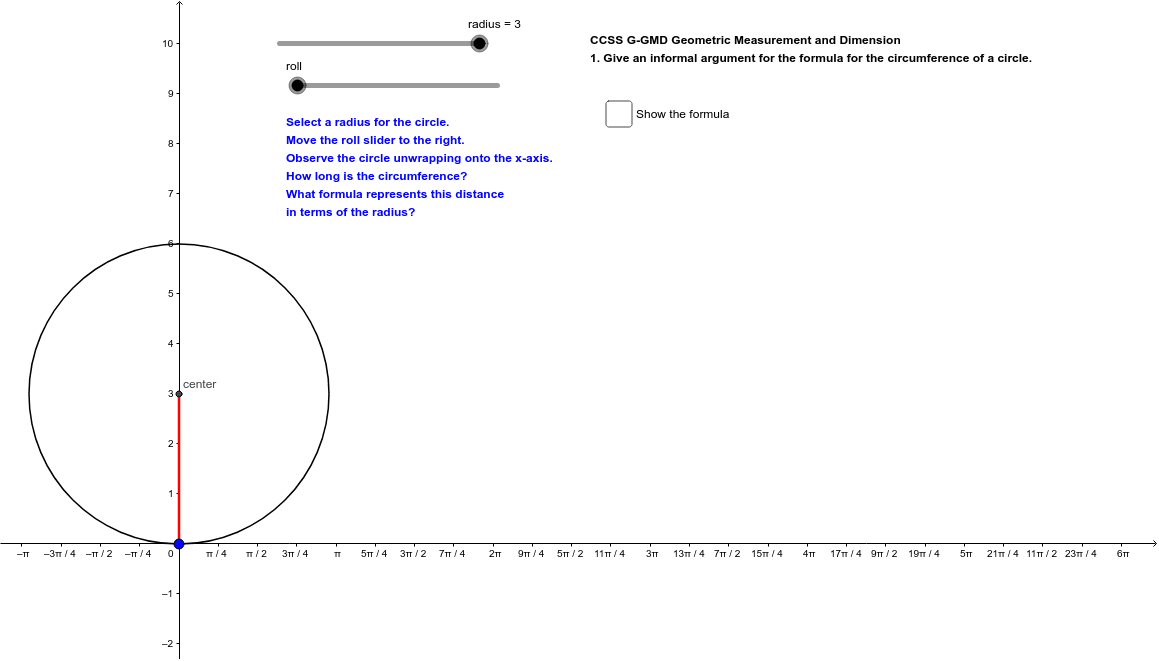
This example dynamically visualizes the formula for calculating the circumference of a circle. It involves core math concepts like circle radius, circumference formula C=2πr, and its geometric interpretation. GeoGebra commands used include Circle, Rotate, Angle, Segment, and CircleArc for construction. Suitable for middle school and above learners to understand circle properties and formula application.
GeoGebra Commands & Parameters
Circle(center, radius) → cRotate(B, (-(roll + α)), center) → B'Angle(B', center, B) → βSegment(center, B') → fSegment((0, 0), Cir) → gCircleArc(center, B, B') → d
AI Drawing Prompt Reference
Draw a circle and show its radius. From the center, draw a line segment to a point on the circle, then rotate this segment to form an angle with the original line. Measure this angle and represent the arc length corresponding to this angle on the circle with an arc. Also, draw a line segment from the center to the endpoint of the rotated segment, and a line segment from the origin (0,0) to the circle. Finally, connect two points on the circle with an arc to visually explain the relationship between the angle and the arc length, illustrating the circumference formula C=2πr.
The prompt above was compiled from the original drawing commands and is for reference only.