
Circle and Incircle Volume Calculation
Loading the math board and drawing, please wait…
This example demonstrates how to construct a triangle and its incircle using GeoGebra, and calculate the volume relationship between them. Core math concepts include circle, incircle, volume calculation, and geometric division. Construction highlights involve commands like Point, Vector, and Sequence to create multiple points and geometric objects. Suitable for high school and above students to learn geometric volume calculation and construction.
GeoGebra Commands & Parameters
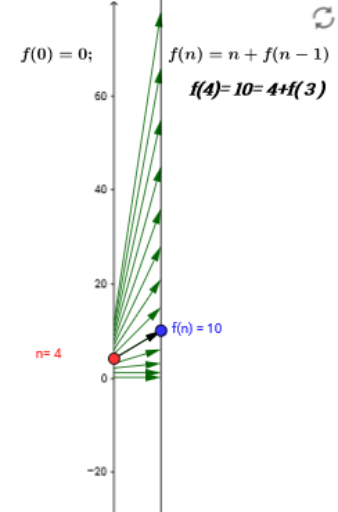
Point(yAxis) → AVector(A, B) → uSequence(Vector[(0, x(Element[list1, j])), (2, y(Element[list1, j]))], j, 1, 13) → list2
AI Drawing Prompt Reference
Draw a triangle and construct its incircle, showing the volume relationship between them. Start by plotting a point on a horizontal line, then draw a vector from this point to the upper right. Use the vector to generate multiple points along the horizontal line, connect these points to form the triangle, and draw the incircle to illustrate the geometric relationship.
The prompt above was compiled from the original drawing commands and is for reference only.