
Check the Formula
Loading the math board and drawing, please wait…
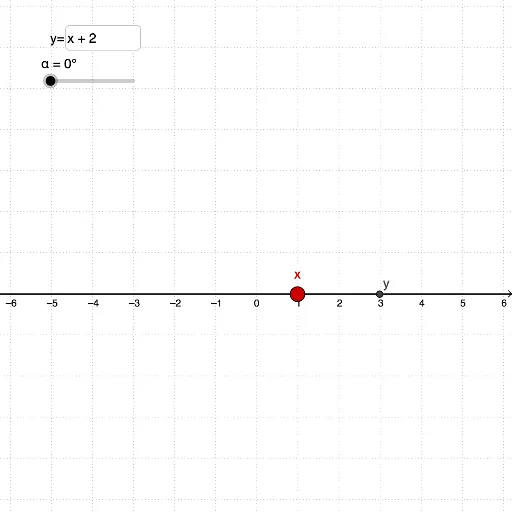
This example demonstrates how to verify geometric formulas using GeoGebra. The core math concepts involved include functions, cubes, cuboids, angles, coordinates, and parametric curves. Construction highlights involve commands like Point, Sequence, Line, Rotate, OrthogonalLine, Intersect, Segment, Textfield, and objects such as A, α, f, L_1, L_2, g, B, B', h, i, C, j, k, InputBox1. Suitable for high school students and teachers for learning and teaching purposes.
GeoGebra Commands & Parameters
Point(xAxis) → ASequence(Text["" + (i), (-0.3, i - 0.11)], i, 1, 7) → L_1Sequence(Text["" + (i), (-0.4, i - 0.11)], i, -5, -1) → L_2Line((0, 0), (cos(α), sin(α))) → gRotate(B, α) → B'Line(B', xAxis) → hOrthogonalLine(A, xAxis) → iIntersect(i, h) → CSegment(C, A) → jSegment(B', C) → kTextfield(f) → InputBox1
AI Drawing Prompt Reference
Draw a net of a cube, starting with a point A on the x-axis and drawing a series of vertical text labels from A representing numbers 1 to 7 and -5 to -1. Then draw a line g from the origin at an angle α, rotate point B by α to get B', draw a line h from B' to the x-axis, draw a vertical line i from point A on the x-axis, find the intersection C of i and h, and connect AC and B'C with line segments j and k.
The prompt above was compiled from the original drawing commands and is for reference only.