
Calculating Slope Using Coordinates
Loading the math board and drawing, please wait…
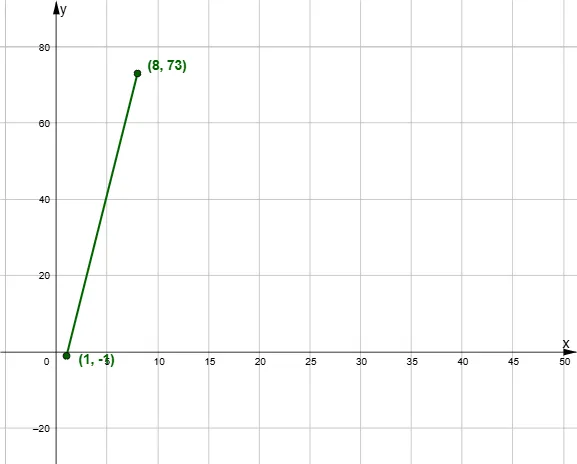
This example demonstrates the geometric method of calculating the slope of a line using the coordinates of two points. It involves core math concepts like coordinate geometry, linear equations, and the slope formula. Constructed with GeoGebra commands and objects such as Random, Segment, Polygon, Textfield, c, d, a, b, A, C, f, empty, answerbox, correct, button1, button2, D, poly1, a_1, c_1, d_1, e, text1, text2, InputBox1, m, text3, text4, text5, n. Suitable for high school mathematics teaching and geometric construction practice.
GeoGebra Commands & Parameters
Random(-3, 50) → cRandom(-3, 100) → dRandom(-3, 10) → aRandom(-3, 10) → bSegment(A, C) → fPolygon(C, D, A) → poly1, a_1, c_1, d_1Textfield(empty) → InputBox1
AI Drawing Prompt Reference
Draw a geometric illustration showing how to calculate the slope of a line using coordinates of two points, including randomly generated points, a line segment connecting them, and a triangle formed by these points, along with an input box for further calculations, start by drawing the line segment and triangle, then add the input box.
The prompt above was compiled from the original drawing commands and is for reference only.